
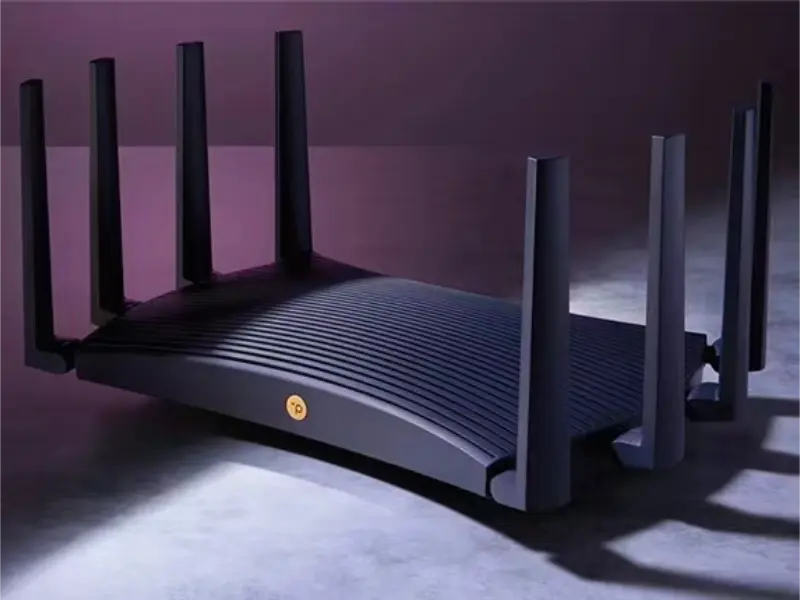
- A good data transfer rate varies based on specific needs, ranging from 10-25 Mbps for basic internet use to 500 Mbps or more for smart homes with multiple devices.
- For routers, data transfer rates between 300 Mbps and 1 Gbps typically provide a satisfactory experience, with Wi-Fi 6 offering even higher speeds for future-proofing.
Data transfer rates are essential for determining the speed and efficiency of internet usage, with higher rates needed for more demanding activities and multiple devices. Choosing the right router with an appropriate data transfer rate is crucial for ensuring a smooth and reliable online experience.
The characteristics of a good data transfer rate
A good data transfer rate depends on your specific needs, the type of network, and the devices you are using. Here are some general guidelines:
Basic Internet usage: For general web browsing, emailing, and social media, a data transfer rate of 10-25 Mbps (Megabits per second) is typically sufficient. This allows for smooth loading of web pages, standard-definition video streaming, and basic online activities.
HD video streaming and online gaming: For more intensive activities like streaming HD videos or playing online games, a higher data transfer rate of 50-100 Mbps is recommended. This ensures that you can stream content without buffering and enjoy smooth gameplay with minimal latency.
4K streaming and large file transfers: For 4K video streaming, downloading large files, or working with cloud-based applications, you’ll need a higher data transfer rate, typically in the range of 200-500 Mbps. This allows for fast downloads, uploads, and real-time streaming without interruptions.
Smart homes and multiple users: In households with multiple users or devices, such as smart home systems with security cameras, smart TVs, and various connected devices, a data transfer rate of 500 Mbps to 1 Gbps (Gigabit per second) or more is ideal. This ensures that all devices can operate simultaneously without network congestion.
Also read: What is colocation trading? Speed up the financial markets
Also read: Tech giants rally behind Trump after assassination attempt
The details of a good data transfer rate for a router
A good data transfer rate depends on your internet usage, the number of devices in your household, and the type of activities you perform online. For most users, a router with data transfer rates in the range of 300 Mbps to 1 Gbps will provide a satisfactory experience while more advanced needs may require even higher speeds and more advanced router technology. Here is what to consider:
Basic use and small households: For small households with a few devices, a router with a data transfer rate of 300 Mbps on the 2.4 GHz band is generally sufficient. This is adequate for basic internet activities like browsing, streaming in HD, and light gaming.
Moderate use and medium households: For medium-sized households with multiple devices or moderate internet use, a router with 600-1200 Mbps (combined across the 2.4 GHz and 5 GHz bands) is recommended. Dual-band routers in this range provide better performance for streaming, gaming, and multitasking.
Heavy use and large households: For larger households, smart homes, or environments with many connected devices, a router with 1 Gbps (1000 Mbps) or more on the 5 GHz band is ideal. Routers that support Wi-Fi 5 (802.11ac) or Wi-Fi 6 (802.11ax) offer high data transfer rates, reduced interference, and improved performance in congested networks.
Future-proofing with Wi-Fi 6: Wi-Fi 6 (802.11ax) routers are designed to support even higher data transfer rates, often exceeding 9.6 Gbps in optimal conditions. These routers are ideal for future-proofing your network, especially as the number of connected devices increases and demand for bandwidth grows.