
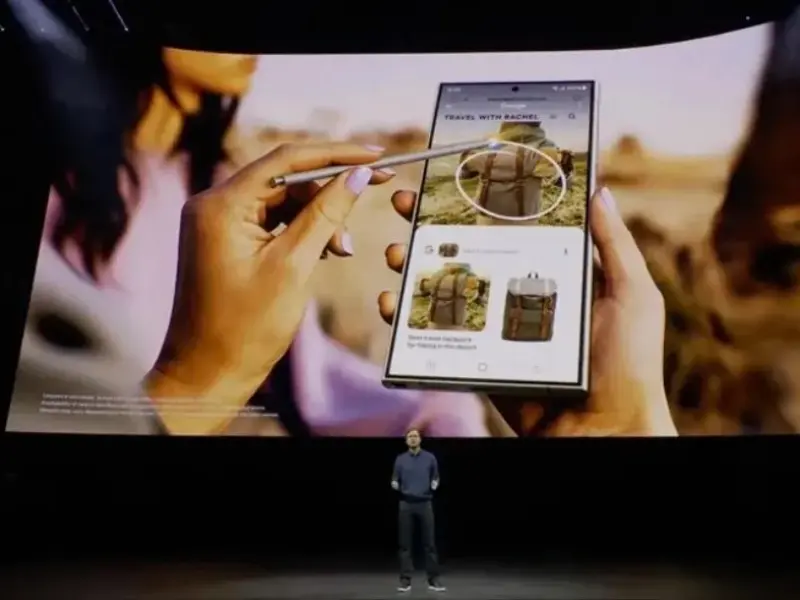
- Google has found a way to bring a variation of its clever “Circle to Search” gesture to iPhone users.
- The new interaction, launched in January, allows Android users to search from anywhere on their device by circling, highlighting, scribbling or tapping, making it easier to engage with Google Search from any screen.
- Google is now using Apple’s Action Button on iPhone 15 Pro devices to enable a quick way to visually search anything on your screen with just a press of a button.
Google has introduced a new feature for iPhone users, reminiscent of its “Circle to Search” gesture on Android. However, this functionality wasn’t available to iPhone users due to Google’s limited control over the iOS operating system. To address this, Google now utilises Apple’s Action Button on iPhone 15 Pro devices, enabling users to visually search anything on their screen with a simple press of a button.
Also read: Google incorporates cybersecurity into AI plan
Quick access visual search by Action Button
The Action Button on iPhone devices has evolved beyond its traditional ring/silent switch functionality. Users can now customise it to perform various tasks like launching the camera, enabling Focus mode, or even starting a Google Lens visual search. Google’s shortcut allows users to initiate a visual search quickly, providing a faster alternative to the traditional “circle to search” gesture.
Also read: Apple releases latest iPads with M4 chip
Tackle with iOS system
Google’s iOS app recently introduced a shortcut for using Lens, simplifying visual searches with a gesture similar to Android. This underscores the challenges of innovating interactions on iOS.
While a direct gesture wasn’t feasible, a workaround was implemented. To utilise the shortcut, iPhone users must have the Google app installed, download the shortcut, and assign it to the Action Button in iOS Settings. Although the original link to the shortcut has been removed, users can create a similar one in the iOS Shortcuts app. This involves creating a shortcut that takes a screenshot and then initiates a Lens search, effectively replicating Android’s Circle with Search feature.
Additionally, 9 to 5Mac highlighted configuring Back Tap in Accessibility settings to launch the shortcut on devices other than iPhone 15 Pro.