Summary
- In February 2008, a software-version mismatch cost a university its chance to compete for an approximately $250,000 grant.
- Offline forms had a sensible aim: reduce connection time for rural users. They also made the applicant’s desktop part of the admission machinery.
The first reader of a grant application can be an exceptionally incurious creature. It has no opinion on the research, the budget or the people who might benefit. It wants to know which software made the form.
In February 2008, that question stopped an unnamed large state university’s application to Grants.gov. The university was seeking approximately $250,000 to provide educational assistance to communities in Africa. Its older forms software was incompatible with the newer version used by the portal. The application was rejected, and the university could not resubmit before the deadline. Its chance to compete ended there, according to GAO’s 2009 audit.
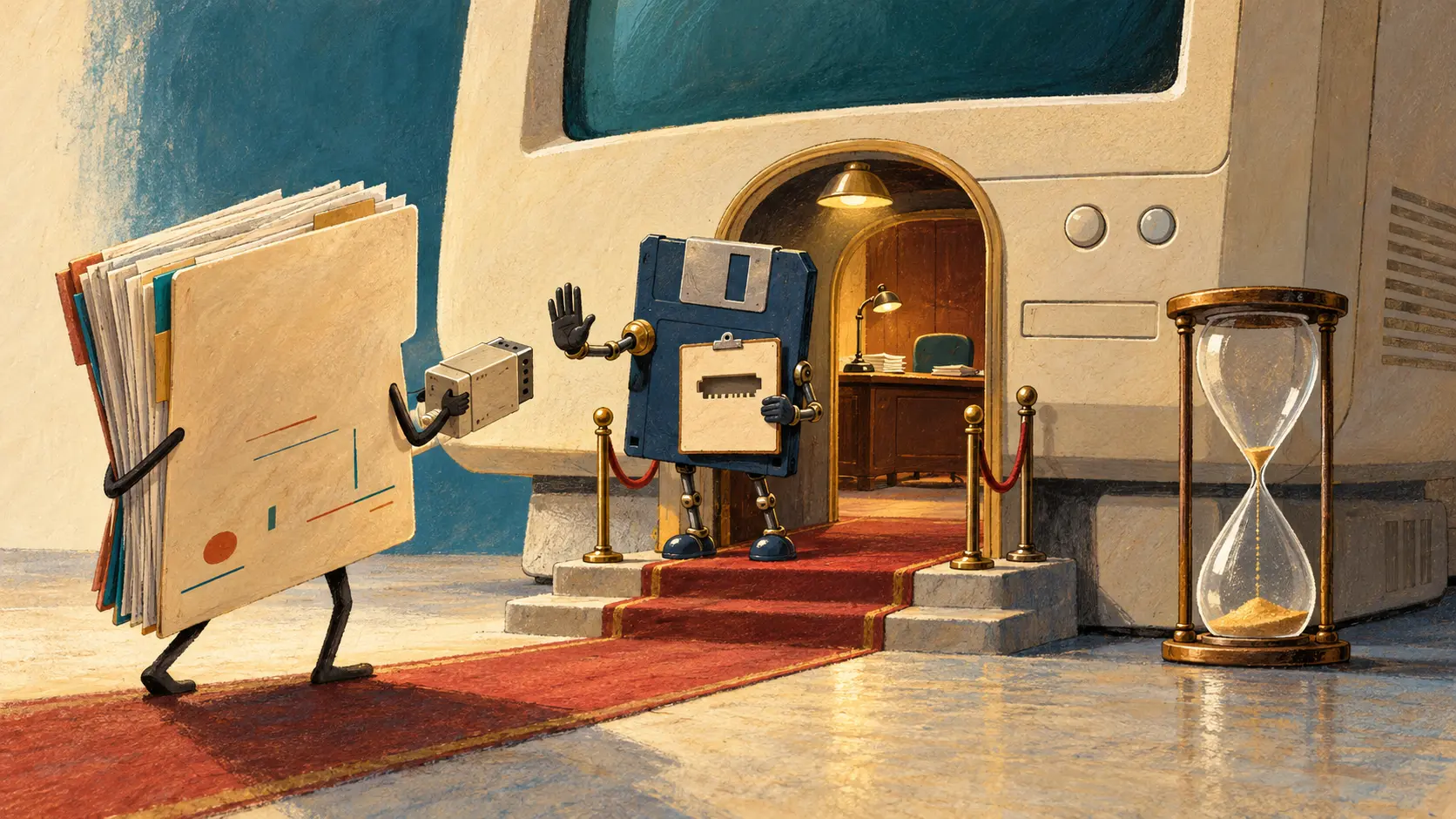
The software had acquired a bouncer’s job. The proposal never got to make its case.
A reasonable idea acquires installation instructions
There was a practical reason for putting work on the applicant’s computer. In GAO’s 2006 report, Grants.gov staff explained that offline forms would reduce the time rural users needed to stay connected. Keeping unfinished applications online would also require more server hardware while maintaining performance. For an applicant with an awkward connection, working offline had obvious appeal.
The difficulty was deciding whose computer could do the work. The application software ran on Windows. Research institutions using Macintosh machines needed another route; Grants.gov introduced a temporary Mac solution in December 2005. Some organisations also restricted the programs and files staff could install or move. A federal application could therefore arrive with an unadvertised preliminary assignment: negotiate with your own IT department.
Moving the form off the server moved some of the burden with it. The applicant now needed a compatible operating system, permitted software and a package the portal would still accept when it returned. The upload was where all those separate decisions finally met the deadline.
The form looks familiar. Check the version anyway
A September 2008 NIH notice makes that dependency unusually visible. It set out the move from PureEdge to Adobe forms for NIH and partner agencies. Most electronic NIH submissions from January 2009 would use the new forms, with specified exceptions. The notice described the visual changes as mainly cosmetic, then warned that Adobe Reader versions earlier than 8.1.2 could corrupt a completed application during upload.
That is quite a footnote to a familiar-looking form. The screen could suggest continuity while the machinery underneath demanded a different tool.
NIH gave applicants a workable division of labour: keep developing research plans and other attachments, but wait for the new forms expected in December before filling those in. Intellectual work could continue while its official container caught up. The notice came months after the university’s February rejection; it documents the wider transition problem in its own right.
Grants.gov’s early history shows how much government a file format can carry. A form was the vehicle for entering a competition. Once incompatible software could stop that vehicle at the door, desktop maintenance had consequences far beyond the desktop.
Member Briefing
Deeper Profile Context
Sign in with the right membership level to unlock the full briefing and source notes.
Only for Strategic Circle
Strategic Circle
Open to all readers. Unlock profile briefings after joining and signing in.
Join Strategic CircleOnly for Leadership Alliance
Leadership Alliance
For qualified IP-asset owners and management; sign in to unlock alliance briefings.
Join Leadership Alliance