Summary
- The W3C’s first public Wake Lock draft in 2015 used
document.keepScreenAwakefor a recipe example. A document expressed a preference; the browser mapped relevant requests to the device’s power state. - A 2017 Candidate Recommendation described both screen and system wake locks. The screen-specific drafts from 2020 onward used a request and releasable sentinel, while visibility, permission, battery and device settings continued to govern the result.
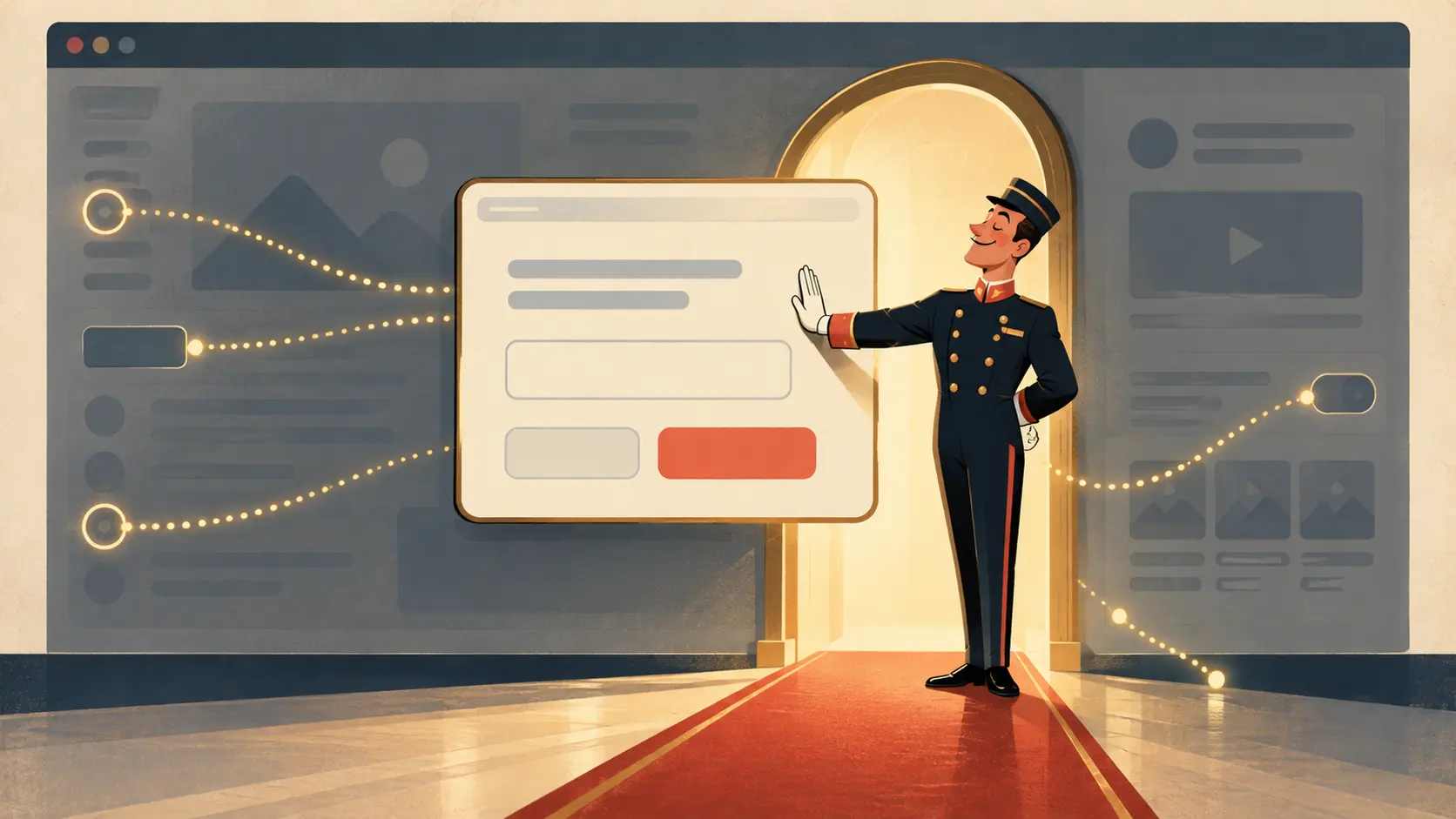
Recipes are unusually hostile to sleep timers. The reader is occupied: hands in flour, eyes on the next instruction, no finger available to tap the glass every few seconds. An ebook, a barcode or a presentation can make the same complaint. The web page wants to keep the display lit, but the display belongs to a device with a battery, a user and a power manager. A page can request a favor. It cannot buy the building.
The W3C’s first public Wake Lock draft of 12 February 2015 opened with a recipe. Its example set document.keepScreenAwake = true, then set it back to false when the need ended. The apparent simplicity hid a careful distinction. A document held a request flag. The browser considered whether that document was active and in front of the user, then asked the operating system to apply a lock if the device’s state permitted it. The page did not own the operating-system lock. It filed a request with someone who did.
This mattered the instant the cook changed tabs or the browser lost focus. The 2015 draft described the lock ceasing to apply when the page stopped being relevant, with the browser mapping current requests to the underlying system. That is a more honest bargain than giving every site a permanent “never sleep” button. The recipe gets help while it is in use; the device keeps the right to reclaim the screen.
The Candidate Recommendation of December 2017 widened the vocabulary to screen and system wake locks. One concerned the display; the other concerned processing while the screen could be off. The document also described request objects and automatic changes as visibility and device conditions changed. A cook needs the recipe visible. A background task asking to keep the CPU running is a different demand on the machine. Putting both under the same label briefly made the ambitions of web applications visible.
The project later narrowed. The Screen Wake Lock draft of September 2020 treated the display as its own subject. A visible document could request a screen lock and receive a WakeLockSentinel, which could be released and could report release. The browser could deny or end the request when the document became hidden or the device had too little battery. The page gained a handle for a temporary arrangement, not a deed to the screen.
The W3C publication history places those steps in sequence: first public work in 2015, a Candidate Recommendation in 2017, then a screen-only Working Draft in 2020 and many later revisions. The dates mark revisions to a standard. They do not measure how many kitchens actually used the feature. Their value is in showing how a broad request to resist sleep became a more bounded conversation about one display.
In the dated September 2026 draft, only visible documents can acquire a screen wake lock. Permission and policy can constrain the request; the browser may release it, and the operating system may decline to keep it applicable when power is low or a saving mode is active. The text treats acquisition as advisory toward the operating system. That is a sensible chain of command: a recipe can explain why it wants light, while the user and device keep control of the battery.
The interesting editorial choice sits at the page end. A cooking site should request wakefulness while instructions are being followed and let go afterward. It should listen when the lock is released and give the reader a workable way back to the step. A screen that stays on through every advertisement and idle minute serves a different interest from the cook’s. The API allows a request; the publisher reveals its manners in how long it insists.
The dough still needs kneading. The tablet can try to keep the recipe in view. If the battery says the kitchen lights are going out, the recipe has to live with the answer.
Member Briefing
Deeper Profile Context
Sign in with the right membership level to unlock the full briefing and source notes.
Only for Strategic Circle
Strategic Circle
Open to all readers. Unlock profile briefings after joining and signing in.
Join Strategic CircleOnly for Leadership Alliance
Leadership Alliance
For qualified IP-asset owners and management; sign in to unlock alliance briefings.
Join Leadership Alliance