Summary
- In December 1992, Lynx links could start remote programs, reach existing login-based services and return a live University of Kansas events query to the reader.
- The evidence shows an early bridge between campus information and separate applications. Later Lynx releases moved toward WWW libraries and HTML; the record does not show that the bridge was widely deployed or that Lynx was the first browser to connect services.
A link could start somewhere else
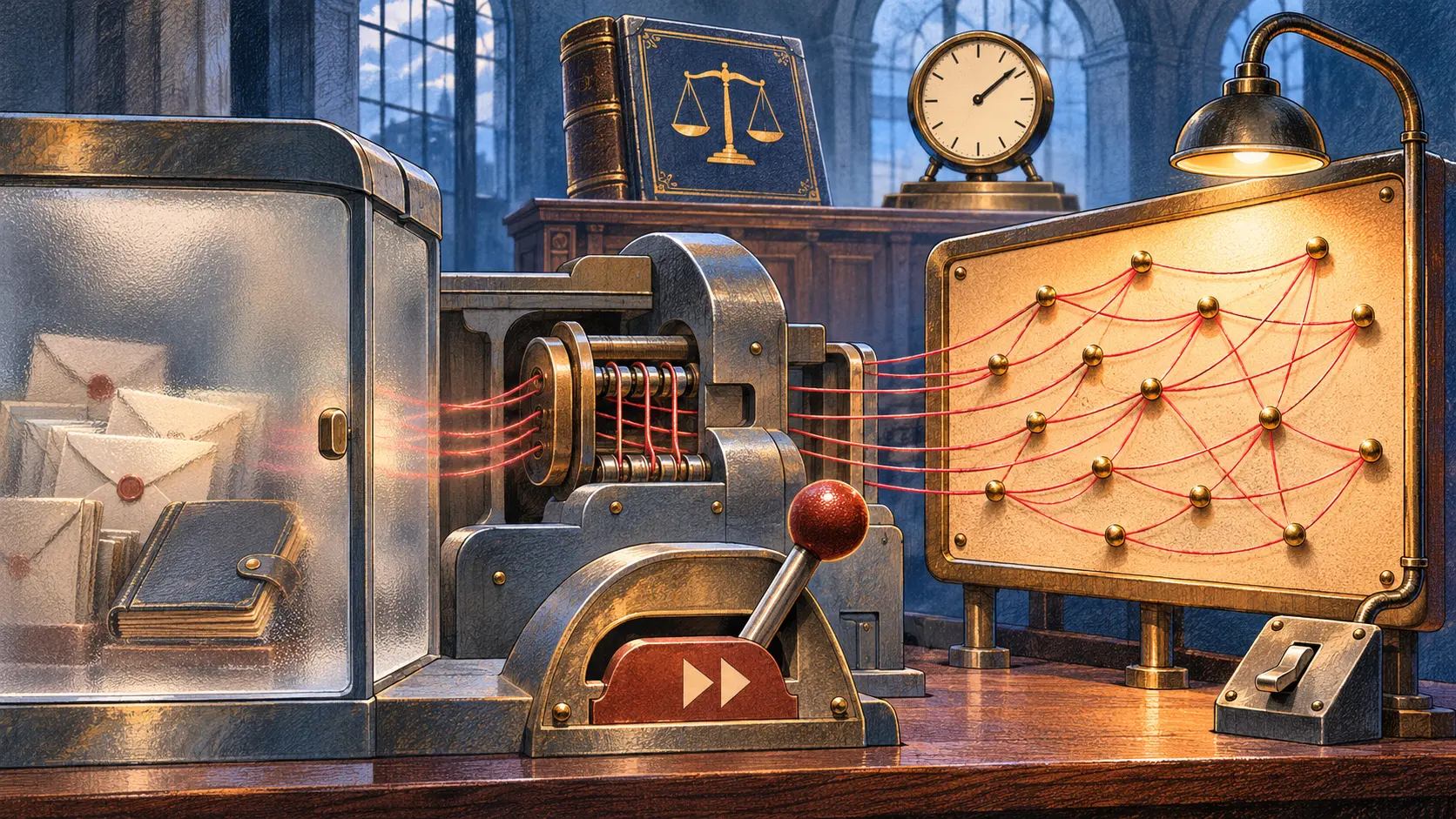
Lou Montulli’s December 1992 explanation of Lynx began with a practical question: what could a text client do with resources a university already had? His answer was unusually concrete. Lynx could run a program on a remote host with rexec, start an inetd application, or perform a transparent rlogin. A reader following a campus information link might leave the page’s document flow and enter a service that predated the page itself.
Montulli illustrated that with a library system. A link could log a visitor into a remote library host under the account named in the link, so the existing catalog did not have to be rebuilt as a Web application first. Another path went from the University of Kansas campus information menu to “Events at KU.” Selecting it invoked a database program on the university’s stat1 system, asked the visitor a question, queried the database, and returned the result to Lynx. He even described how a user could expose the remote execution by typing = before opening the event item.
Those details change the familiar picture of a text browser. Lynx was not only a way to read a Web page on a terminal. In the example Montulli gave, it also acted as a launch surface for services whose software and data remained on other machines. Telnet and TN3270 extended that reach to terminal-oriented systems; Lynx could also read the Hytelnet database. The value was not a new universal backend. It was a navigable path between information and tools a campus already operated.
The campus came before the browser label
The development context matters. Michael Grobe’s later account describes Lynx as part of a campus-wide information effort inside University of Kansas Academic Computing Services. Grobe names himself, Charles Rezac and Montulli among the principal developers, while warning that work was collaborative and that exact attribution and timing are difficult to reconstruct. That caution is useful: the archive supports a team and an evolving system, not a clean invention moment assigned to one person.
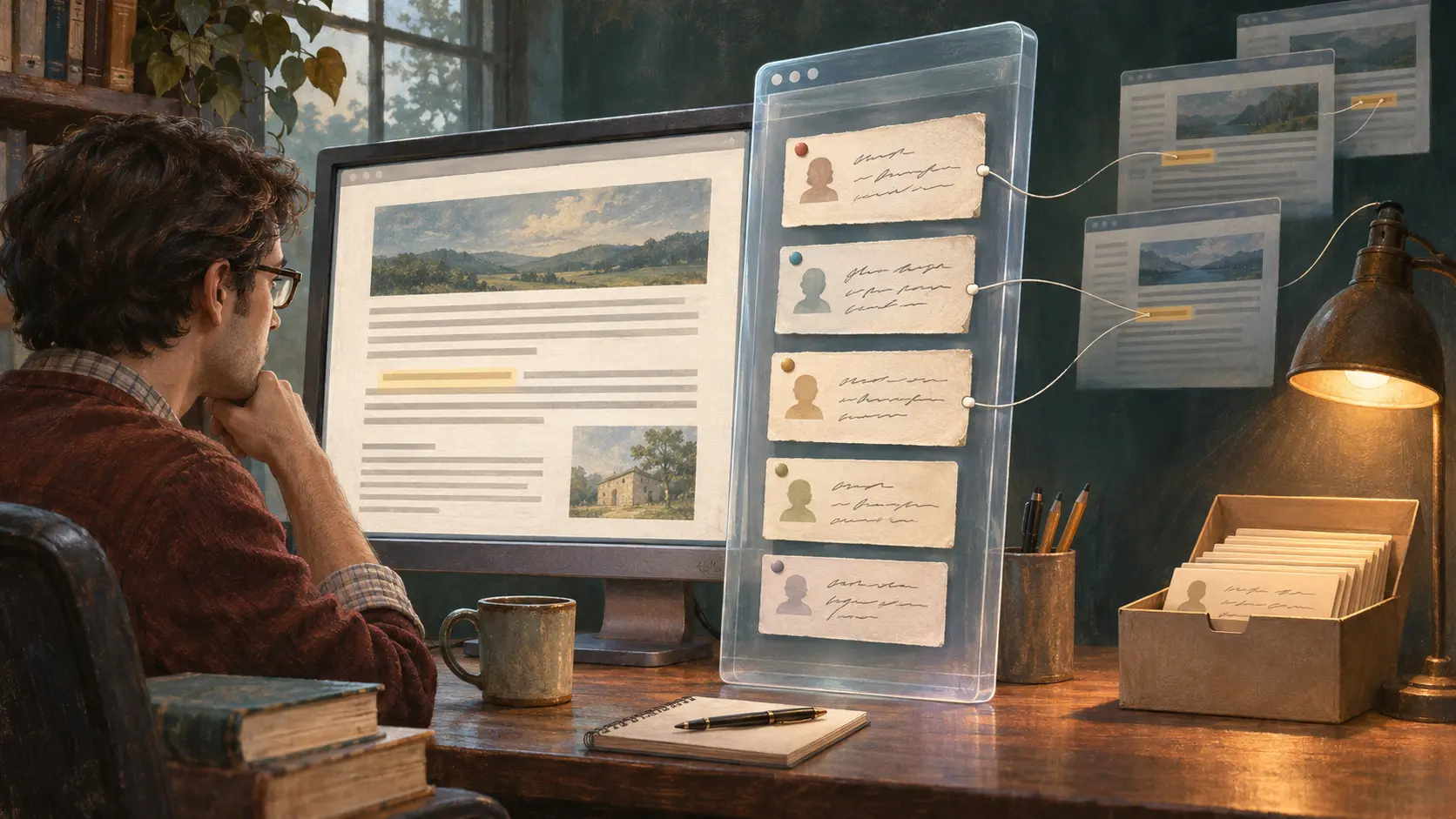
Seen in that setting, the 1992 integration features answer an institutional problem. A campus did not need to replace every library, event database or terminal service before making them discoverable from one menu. The client could reduce the number of separate places a user had to know about while leaving each service in place. That is an architectural inference from Montulli’s examples, not a claim that the systems shared credentials, data models, or a common security boundary. The remote host still supplied the application and controlled access to it.
This arrangement also carried a trade-off. A link that launches a remote service can make a system feel close at hand, yet the experience still depends on that host, its account rules, its software and its network path. The menu improves discovery; it does not guarantee service availability or transfer operational responsibility to the browser. A campus could expose a resource without converting it into a portable Web resource.
From campus launcher to Web client
The sequence that followed was not an overnight disappearance of the earlier approach. On 25 April 1993, Montulli announced Lynx 2.0.8 as a major bug-fix release. He called it stable but still beta and hoped to make a non-beta production release by 1 June. That message is evidence of a release process and an intended milestone, not proof that the date was met. A W3C product record later lists Lynx 2.3 in April 1994 as a full-screen hypertext browser for the Web, navigated with arrow and tab keys.
The later Lynx user guide describes the deeper change: subsequent versions incorporated World Wide Web libraries and could use HTML, while HTML’s wider adoption led the native Lynx format to be phased out. A text-mode browser had not become less relevant because screens gained graphics. Instead, the common document and linking layer shifted. Lynx could keep its terminal-oriented interface while serving documents in the format increasingly used by the wider Web.
That transition is the historical point. The early Lynx links connected a campus front door to applications already in operation; later versions joined a growing Web of HTML documents and WWW servers. The first design made the installed base useful. The second made the client participate in a more general information space. Both are visible in the software’s history, but the sources do not justify treating one as a universal replacement for the other at a precise date.
What the record establishes
The strongest evidence is Montulli’s contemporary 1992 note. It names the mechanisms and describes a live campus example. Grobe’s retrospective places the work in a collaborative CWIS effort while warning that chronology and authorship are hard to pin down. The 1993 release message and 1994 W3C entry show a path toward a stable, full-screen Web client. Later documentation records HTML and WWW libraries displacing the native Lynx format.
Together, these sources support a modest but consequential reading: early Internet interfaces could connect to the systems people already depended on, even when those systems were not yet part of the Web’s common document layer. Lynx made that connection visible from a terminal. Its links could lead not only to another page, but to an application that remained somewhere else.
Sources
Member Briefing
Deeper Profile Context
Sign in with the right membership level to unlock the full briefing and source notes.
Only for Strategic Circle
Strategic Circle
Open to all readers. Unlock profile briefings after joining and signing in.
Join Strategic CircleOnly for Leadership Alliance
Leadership Alliance
For qualified IP-asset owners and management; sign in to unlock alliance briefings.
Join Leadership Alliance