Summary
- The W3C’s first public CSS Anchor Positioning draft of June 2023 described a positioned element sizing and aligning itself relative to an anchor elsewhere on the page, with fallback placements when the preferred spot overflows.
- The 2024 drafts developed default anchor selection and a
position-tryfamily of fallback rules. The site supplies the anchor and candidate placements; the browser measures the geometry and tries them against available space.
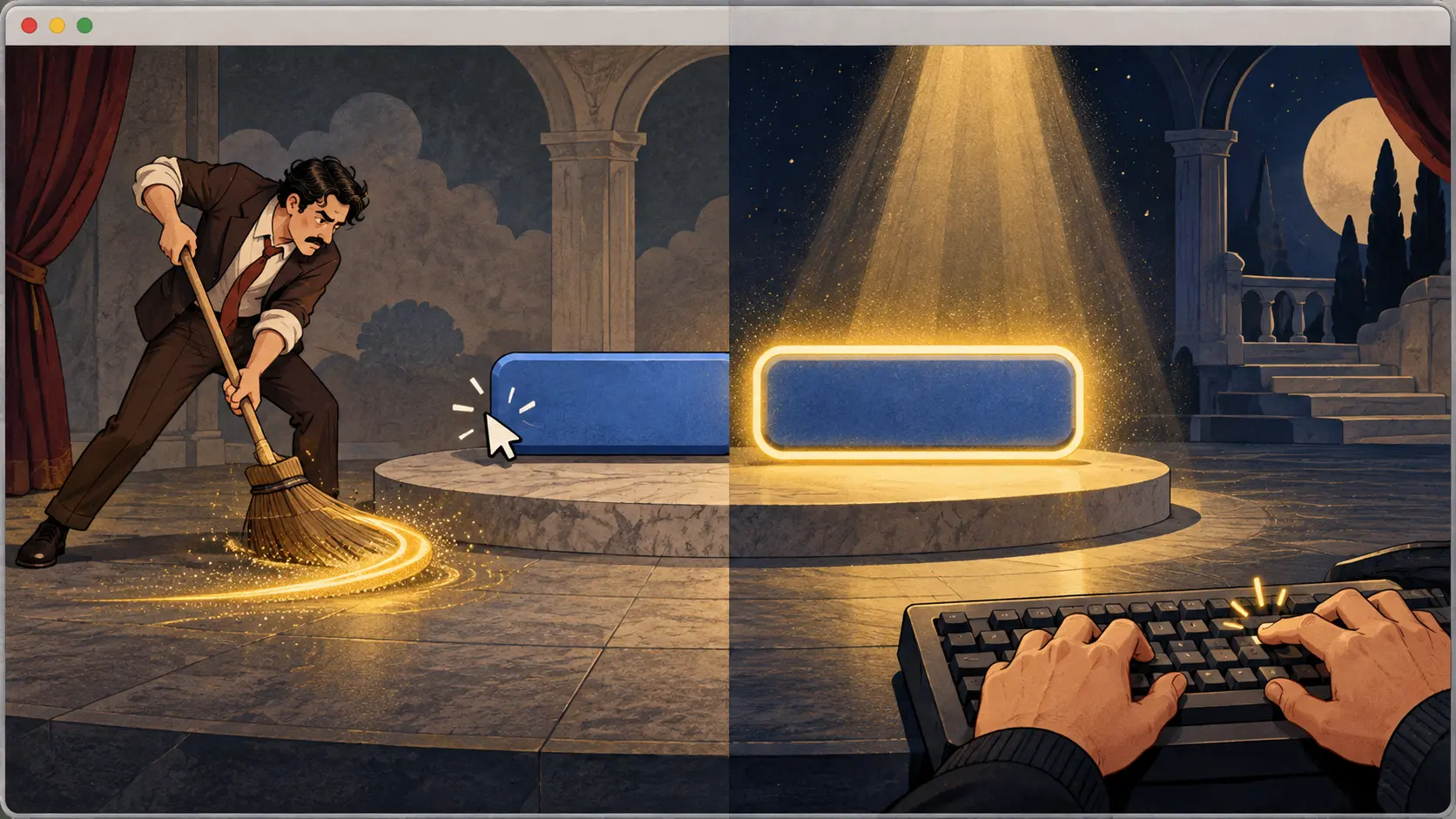
Consider the tiny help icon beside an unfamiliar form field. The reader taps it and expects a short explanation right there. On a wide screen, a bubble to the right looks sensible. On a narrow screen, the same choice pushes the bubble beyond the edge, leaving the useful half of the advice in a place nobody can see. The interface has kept its promise to the button and broken its promise to the reader. Somewhere in the code, a tired developer reaches for a measuring tape made of top, left and increasingly suspicious arithmetic.
The W3C’s first public CSS Anchor Positioning draft, published 29 June 2023, gave that calculation a more direct language. A positioned element can size and place itself relative to one or more anchor elements elsewhere on the page. The page names the anchor with anchor-name; functions such as anchor() and anchor-size() can use its position or dimensions. The tooltip remains a separate box. Its location is described in relation to the control it explains, so a moving button does not have to leave its helper behind at yesterday’s coordinates.
This was a small redistribution of work. The publisher still chooses which control owns the help bubble and where the bubble should prefer to sit. The browser already lays out both boxes and knows their geometry. Giving CSS access to that relationship lets the browser do the measuring while the site does the editorial choosing. A button that moves because a line of text wraps can carry its explanation along. The developer can put away some of the tape, though a design decision remains: above, below, left or right?
The edge of the screen makes that decision less comfortable. The 2023 draft introduced a fallback arrangement: position-fallback could refer to an @position-fallback list of candidate rules. When the preferred position would overflow the containing block, the browser tries alternatives in order until one fits. The website supplies the menu; the layout engine checks the room. A tooltip trying the right side first and the left side next follows instructions written before the button wandered toward the margin.
The 14 March 2024 Working Draft gave the relationship more explicit controls. position-anchor identifies a default anchor for a positioned element. The fallback section now spoke in a position-try family, including position-try-options and position-try-order. The core problem had not moved: the bubble still needed to stay attached and avoid the edge. The vocabulary for describing its second and third choices was being worked over in public. Specification history often looks like this: a clear problem, followed by several attempts to give the answer a name that developers can live with.
The 26 March 2024 draft continued to develop the anchor lookup and overflow choices. The browser can evaluate candidate placements against the containing block while preserving the relationship to the anchor. That separation matters for a long article with footnotes as much as it does for a form. A note should point to the sentence that summoned it, and it should remain readable when that sentence lands near a page boundary. The publisher decides what the note says and which positions are acceptable; the browser tests the geometry of those choices.
By the 4 October 2024 Working Draft, the fallback wording included position-try-fallbacks. Earlier drafts used position-fallback or position-try-options. Those names belong to different dated documents, and the succession reveals how the CSS Working Group refined the authoring surface while holding on to the same reader problem. The button could be anywhere. The bubble needed a first preference and a sensible escape route. New syntax was being shaped around that practical corner rather than around a decorative flourish.
The W3C publication history records the 2023 first public draft and the 2024 revisions. Read together, they show a browser taking over a shared measurement: where is the anchor box, where would the floating box land, and which author-provided candidate remains inside the available area? The site writes the tooltip’s explanation and decides when to open it. Here the hard part is physical: the reader needs the right words beside the right control, all of them still on the page.
The tape measure was never the point of the help bubble. The point was to keep the answer close enough to its question that a reader could actually read it. When the right edge refuses to cooperate, the bubble can try the left. The button stays put, the note stays visible, and the developer finally stops counting pixels like loose change.
Member Briefing
Deeper Profile Context
Sign in with the right membership level to unlock the full briefing and source notes.
Only for Strategic Circle
Strategic Circle
Open to all readers. Unlock profile briefings after joining and signing in.
Join Strategic CircleOnly for Leadership Alliance
Leadership Alliance
For qualified IP-asset owners and management; sign in to unlock alliance briefings.
Join Leadership Alliance