Summary
- The W3C's first public Pointer Events draft in December 2012 proposed one hardware-agnostic event family for mouse, pen and touch, while retaining compatibility with mouse-based pages.
- The February 2015 Recommendation specified pointer events, device details such as
pointerType,touch-actionfor browser gestures and pointer capture for interactions that move outside an element.
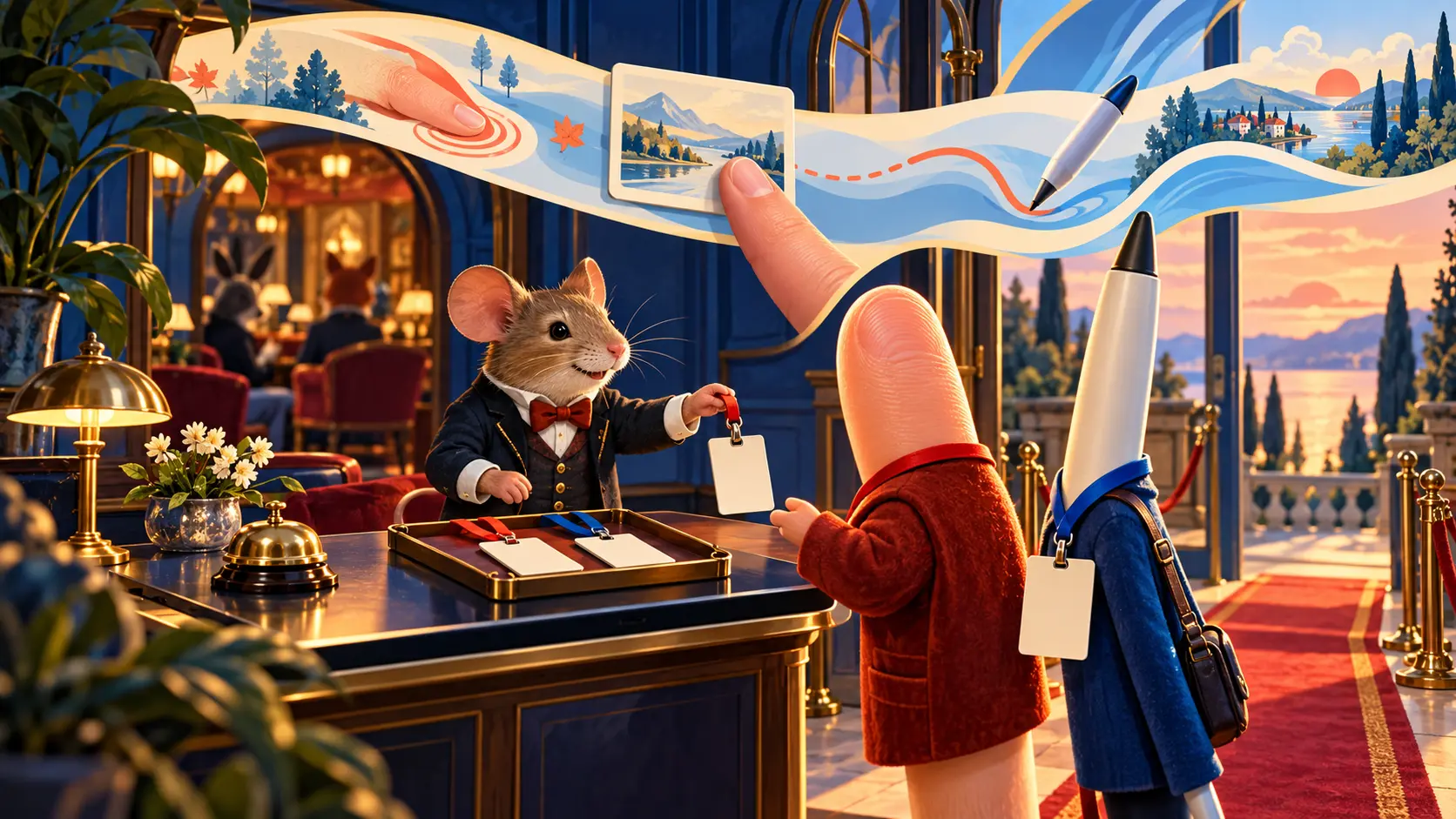
The mouse was a comfortable old club member. Websites listened for its clicks and movement; menus and drag handles knew the routine. Then a finger arrived. Then a pen. The club could issue three different membership cards and hire staff to check each door, or it could stop pretending that a screen coordinate belonged exclusively to one animal.
The W3C's first public Pointer Events Working Draft of 11 December 2012 described why separate doors were costly. Pages built around Mouse Events needed more handlers for touch and pen. For compatibility, a browser might also issue a Mouse Event after another kind of input, leaving code to guess whether a “mouse” really had a tail. The draft proposed a pointer: a common way to describe a pointing contact, whatever device produced it.
The point was not to sand every tool into the same shape. A PointerEvent could carry pointerType, pressure, contact geometry and tilt. A drawing surface may care that a pen is pressed hard and leaning. A plain button may only need to know that it was pressed. One event family lets an author use the common action first and inspect device detail when the interaction earns it.
By the W3C Recommendation of 24 February 2015, the family included pointerdown, pointermove, pointerup and pointercancel, along with crossing events such as pointerover and pointerout. The names resemble the mouse events that existing authors knew. Each event carries an identifier for the pointer and a field for the device type that supplied it. The club kept a familiar floor plan while widening the entrance.
Compatibility still mattered. A page written for mouse events could not be abandoned because a visitor touched the screen. The Recommendation described how pointer input can map to Mouse Events for such content. That bridge is useful, but it also explains the old ambiguity: a mouse event may be a compatibility echo of a finger. The new pointer vocabulary lets a page speak more precisely when it wants to.
The thorniest negotiation happens during a touch gesture. A finger moving across a page might mean “drag this card” or “scroll the document.” If the browser had to wait for page script to cancel every movement before deciding whether to scroll, the finger could feel as though it were dragging a sofa. The Recommendation's touch-action property lets a page declare which default touch behaviors are allowed in a region. The browser can make its scrolling decision from that declaration instead of treating every gesture as a last-minute courtroom objection.
There is another practical problem at the edge of a button. Imagine dragging a slider and letting the pointer slip outside the slider's rectangle. Without a way to keep the stream tied to the active control, the interaction can lose its place. Pointer capture allows an element to continue receiving that pointer's events after the pointer moves beyond its hit-test boundary. The 2015 text describes setting and releasing capture, and the gotpointercapture and lostpointercapture events that mark the change. A drag should not fall apart because a finger took a slightly scenic route.
The Recommendation also keeps hardware differences in view. A touch contact has a contact area; a pen can report tilt and pressure; a mouse has buttons and cursor motion. The common pointer is a shared grammar, not a demand for identical behavior. A site can write one path for pressing a control and a more specialized path for drawing with a pen. That division saves duplicated code without hiding the useful texture of the devices.
The W3C publication history for Pointer Events 1 records the first public draft in December 2012 and the Recommendation in February 2015. The interval moved a proposed cross-device model into a stable standard. The documents show an answer to a concrete authoring problem: the web already had content built for mouse input, while new screens demanded touch and pen handling. One pointer family gave old pages a bridge and new pages a cleaner starting point.
A visitor pressing a button should not need to know which committee settled the event name. The effect is felt when a canvas accepts a pen, a card follows a finger beyond its border, and a page scrolls smoothly while custom controls still work. The old club can keep its mouse. It merely has to stop charging everybody else an entrance fee.
Member Briefing
Deeper Profile Context
Sign in with the right membership level to unlock the full briefing and source notes.
Only for Strategic Circle
Strategic Circle
Open to all readers. Unlock profile briefings after joining and signing in.
Join Strategic CircleOnly for Leadership Alliance
Leadership Alliance
For qualified IP-asset owners and management; sign in to unlock alliance briefings.
Join Leadership Alliance