Summary
- W3C's 2 June 2011 Page Visibility Working Draft introduced a browser signal for whether a document was visible and an event that told the page when that state changed.
- The draft used a webmail client as its everyday example: check for messages every few seconds while visible, then reduce the checks to every few minutes when hidden. The application set the cadence.
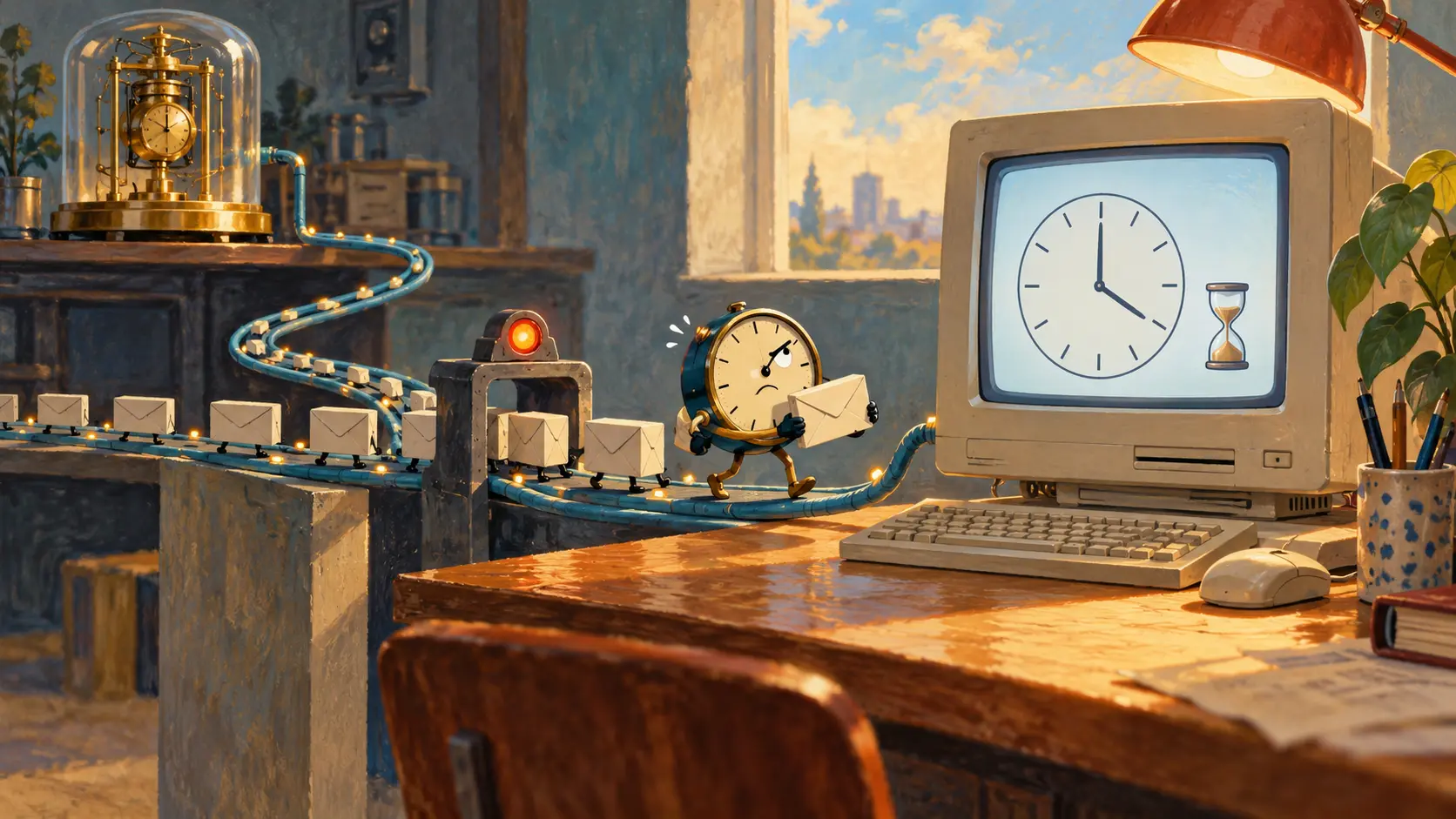
The mail page is behind six other tabs. Its owner is reading something else, perhaps even doing actual work. The mail page, meanwhile, checks the server again. And again. It is a conscientious clerk with no customers and no idea that the office lights went out. The joke becomes less funny when every background page takes its turn asking for attention, processor time and power.
The Page Visibility Working Draft published by W3C on 2 June 2011 began from that problem. A page could not confidently tailor its behavior to whether the reader could see it. The draft offered document.hidden and a visibility state, with a visibilitychange event when the state changed. The browser, which knows which tab is in front and whether its window is minimized, supplied a fact the page could act on.
The authors chose email rather than an exotic demonstration. A visible webmail client might check the server every few seconds for new messages. Put it on a hidden tab, and the same application might check every few minutes. That is a decision about how often to ask, made at the point where the service understands the value of its own updates. The draft also suggested pausing a puzzle game's timer when the player looked away. A puzzle should measure the player, not the time spent answering a phone call.
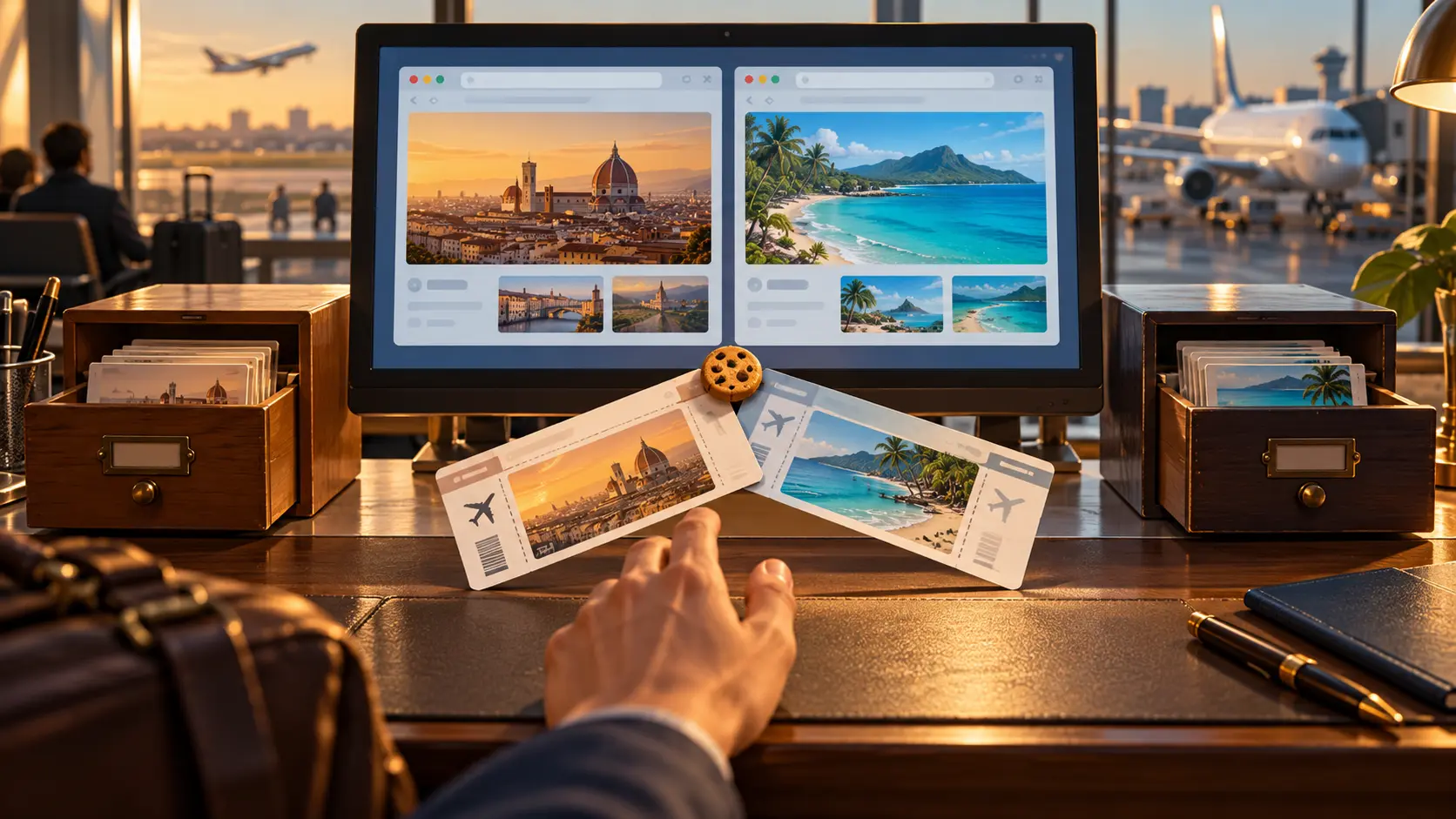
The January 2011 proposal on W3C's public Web applications list had already sketched those ordinary cases: a hidden puzzle timer, polling that can pause, a video that waits until its tab is first viewed. They are revealing examples because they ask the browser for the same fact and then make different choices. Mail can become less impatient. A game can hold its place. A video can wait for an audience.
The 2011 draft drew the boundary carefully. A document was hidden when it was not visible on any screen: a background tab, a minimized browser or a locked screen supplied examples. At least partial visibility counted as visible. The text made room for accessibility tools that cover a screen while still showing the page through a magnifier. This was an account of what the browser could observe about its own presentation, not a guess from a page's focus and blur events.
The page could also listen for the transition. The visibilitychange event let the application revise its plans when the reader switched tabs or returned. Merely asking document.hidden once at startup would miss the person who opened mail, went elsewhere and came back ten minutes later. The July 2011 Last Call draft kept the practical use cases and refined the interface. The architecture was plain: one shared observation from the browser, many policies written by the sites using it.
Two years later, Page Visibility became a W3C Recommendation on 14 May 2013. The specification described hidden, visibilityState and visibilitychange; it also allowed additional states such as prerendering or unloading under stated conditions. The second edition of 29 October 2013 recorded a wonderfully human detail: its only change was correcting a typo in the name of the visibilitychange event in section 4.3. A standard can spend years negotiating what a page should know and still need one more pass to spell the event correctly.
This boundary sits beside, but apart from, Web Workers. A worker gives a page another place to perform a long calculation. Visibility tells the page whether to perform certain work now, less often, or later. A mail application might use both: a background worker to handle computation, and a visibility signal to decide how hard the hidden tab should keep asking for new mail. One deals with the address of work; the other with its timing.
There is a cost to treating every tab as if it has an audience at every moment. The 2011 draft called out CPU and power efficiency as design aims. It did not need to measure every laptop battery to make the mechanism understandable. The browser knew when the office was empty. Passing that knowledge to the page let the mail clerk stop rattling the letterbox every few seconds and get back to work when the reader returned.
Member Briefing
Deeper Profile Context
Sign in with the right membership level to unlock the full briefing and source notes.
Only for Strategic Circle
Strategic Circle
Open to all readers. Unlock profile briefings after joining and signing in.
Join Strategic CircleOnly for Leadership Alliance
Leadership Alliance
For qualified IP-asset owners and management; sign in to unlock alliance briefings.
Join Leadership Alliance