Summary
- The 2012 Pointer Lock draft gave browser games relative mouse movement without the screen-edge stop: one element receives the events and the system cursor disappears.
- The 2016 W3C Recommendation made the human exit part of the bargain. A default unlock gesture is always available; Esc is recommended on keyboards. After a person uses that escape, the page needs a fresh engagement gesture before it can seize the pointer again.
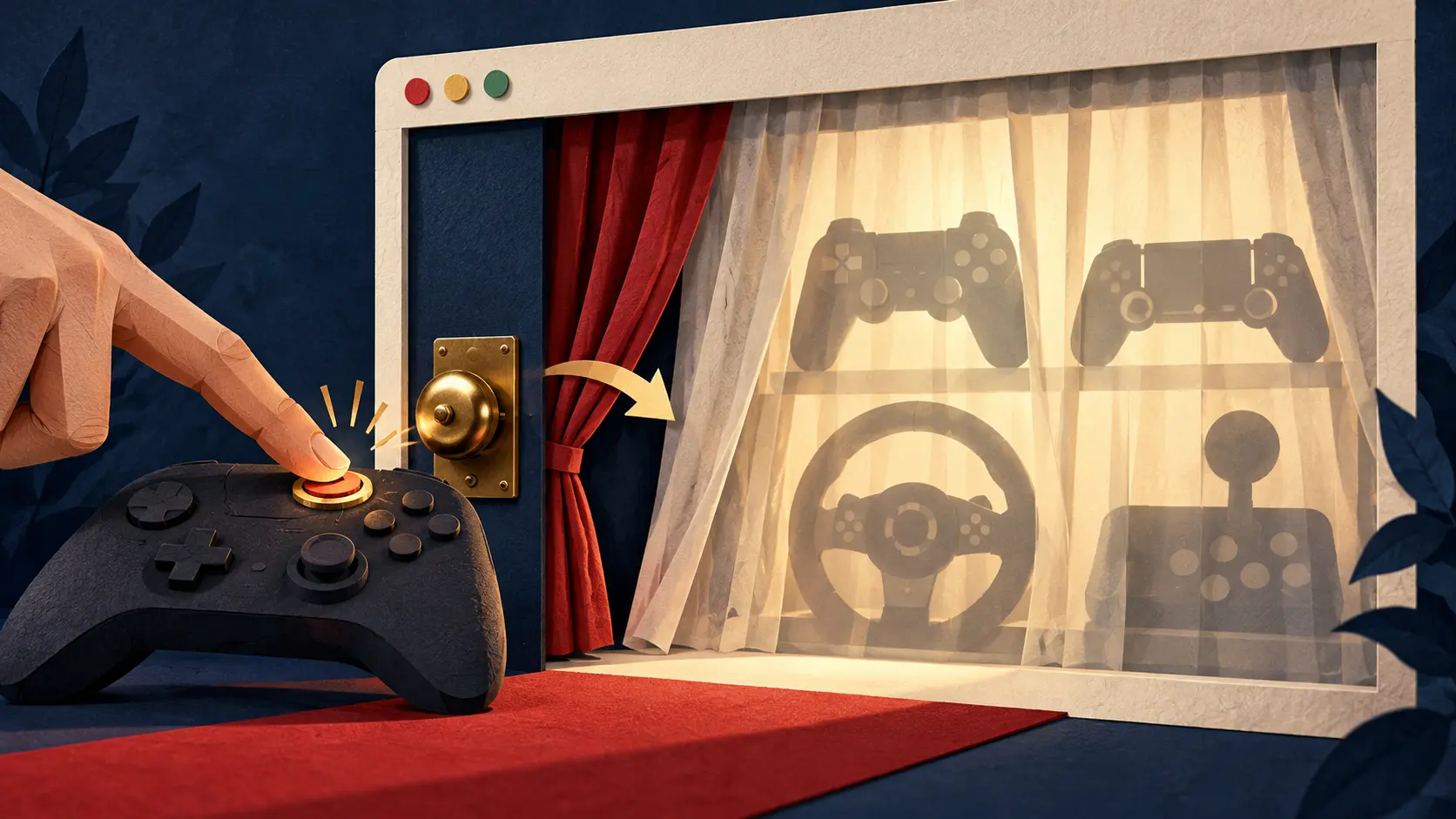
Try turning a first-person game camera with an ordinary mouse cursor. The view rotates until the pointer hits the side of the monitor. Then the mouse keeps moving and the camera stays put. A drag operation can also end at the border, just when a designer is trying to spin a three-dimensional model all the way around. The first public W3C Pointer Lock draft of May 2012 proposed a rather theatrical fix: remove the visible cursor, send its events to one chosen element and report relative movement without an edge. The mouse could turn forever; the screen remained the same size.
It was more than an extended drag. Traditional mouse capture keeps sending events to an element while a button is held, then releases when the button goes up. Pointer Lock persists. Motion arrives even when no button is pressed, and the cursor no longer needs an on-screen address. movementX and movementY carry the deltas; fixed screen coordinates stop pretending the pointer has walked beyond the display. For a player looking around a virtual room, the difference is a neck that turns instead of a cursor that crashes into the wallpaper.
The magic trick has a cost. A hidden cursor and a locked event target also remove the easy route to browser controls and other windows. The 2012 draft's security section saw the problem plainly: a page might keep grabbing the mouse back after the user escaped. A browser therefore had to provide a release gesture outside the page's control. The same hand that lends a game its mouse must be able to take it back.
By the October 2016 W3C Recommendation, that relationship had precise rules. A default unlock gesture must always be available; for a keyboard, Esc is the recommended choice. Lock ends when the target disappears or the tab or window loses focus. The browser also announces a change with pointerlockchange, and an unsuccessful request with pointerlockerror. A game can listen and restore an ordinary menu when the player leaves the locked view. The document even notes the consequence for magnification software: when the pointer locks, a screen magnifier needs a keyboard route to the magnified point.
The cleverest clause governs the second grab. On the first lock, and after the user exits with the browser's default unlock gesture, the document needs an engagement gesture before requestPointerLock() succeeds. An application that releases the pointer through exitPointerLock() may reenter without another gesture, which suits a game lobby that temporarily shows menus. Those are different exits. The player's escape is a veto; the game's own mode switch is housekeeping. If the browser treated them alike, a page could turn Esc into a revolving door and call it immersion.
The February 2026 Pointer Lock 2.0 draft continues work on the interface. Its unadjustedMovement option asks for motion unaffected by platform mouse acceleration where supported, and its request returns a Promise. For a precision game, the difference between accelerated and raw motion matters: the same physical swipe can otherwise mean different camera turns. The draft also spells out transient activation and the order of pointer-lock and fullscreen requests. The W3C 2.0 publication history runs from the first 2016 draft through the 2026 text, showing how much attention a disappearing arrow can demand.
The player rotates past the old screen edge and sees the whole virtual room. Then the player wants a browser tab, a menu, or simply a break. The real engineering accomplishment is that both motions work: the mouse can roam without a border, and the person can still end the game’s claim on it.
Member Briefing
Deeper Profile Context
Sign in with the right membership level to unlock the full briefing and source notes.
Only for Strategic Circle
Strategic Circle
Open to all readers. Unlock profile briefings after joining and signing in.
Join Strategic CircleOnly for Leadership Alliance
Leadership Alliance
For qualified IP-asset owners and management; sign in to unlock alliance briefings.
Join Leadership Alliance