Summary
- A W3C HTML 5 Working Draft from April 2009 described
pushState()adding a state entry andpopstatewhen a stored entry became active. The browser's Back control could traverse views associated with one document. - The 2014 HTML5 Recommendation specified
replaceState()alongsidepushState()and illustrated an application rebuilding a game view fromevent.stateafter Back or Forward. Browser history kept the ticket; page code rebuilt the set.
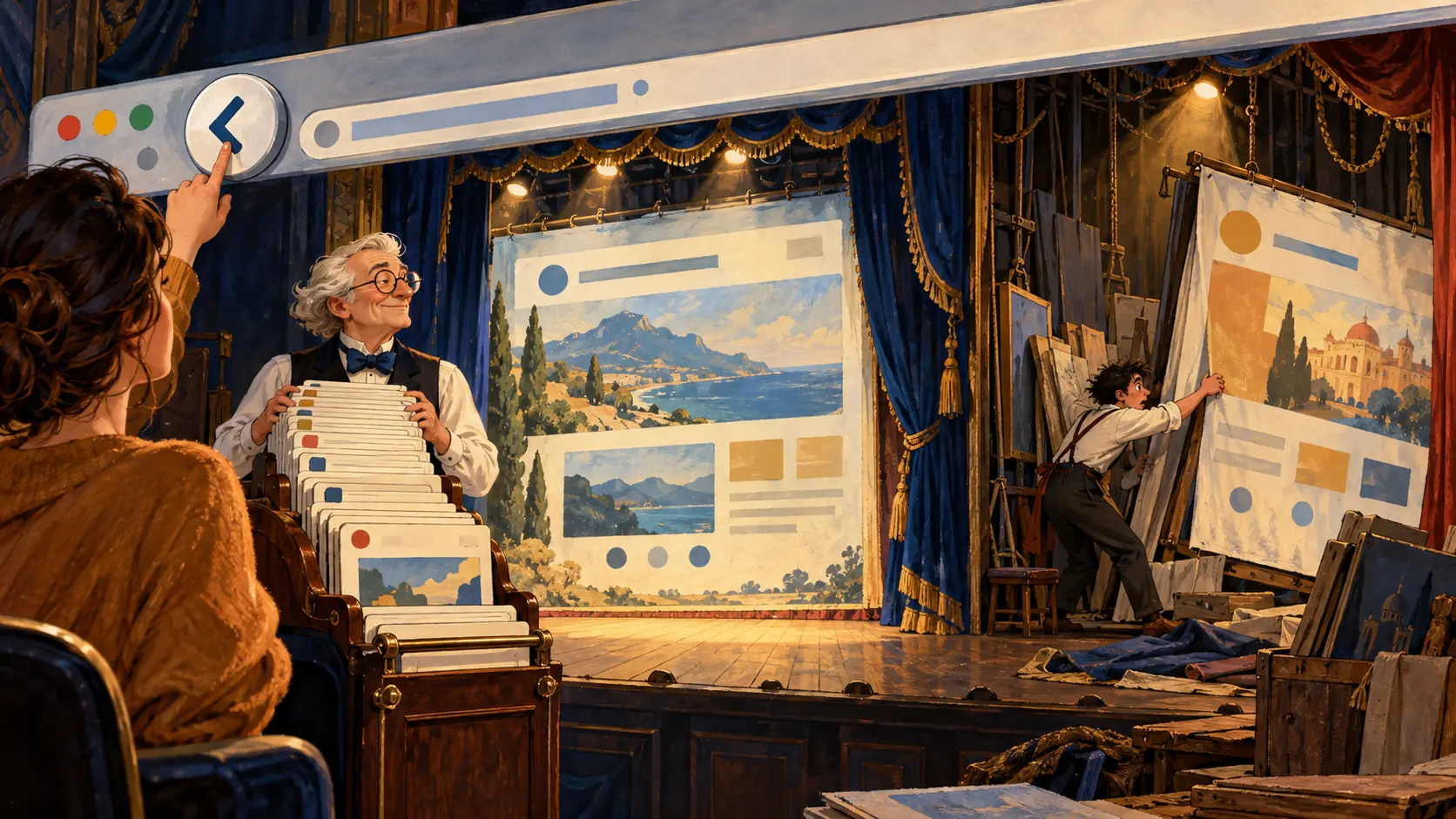
The Back button had done exactly what it was hired to do. It moved to the previous entry. The page, meanwhile, stood on stage in the wrong costume and stared at the audience. Readers called the button broken because the view did not return. The browser had the ticket. The application had lost the scenery.
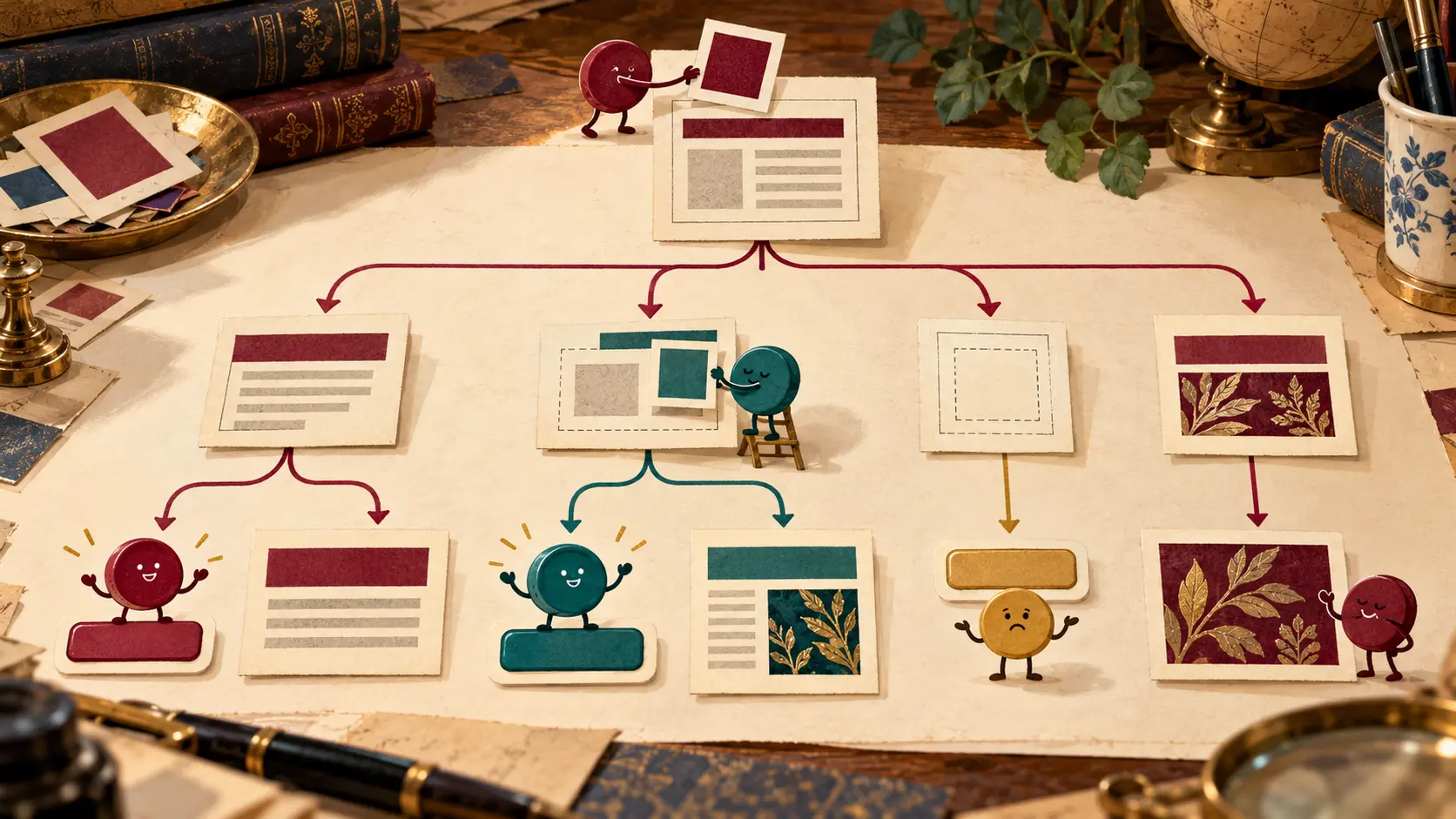
That small mismatch grew as websites started changing parts of a page without fetching a new document for every turn. A photo gallery moved from one picture to another; a search interface swapped results; a map moved to another place. The URL could stay put while the visible view changed. Then the reader pressed Back, expecting the earlier picture, results or map. If the site had given the browser no history entry for that change, Back jumped elsewhere. The problem was coordination between a browser that knew about navigation and a page that knew about its own panels.
The W3C HTML 5 Working Draft dated 23 April 2009 described a way to bring those records together. Its History interface included the familiar back, forward and go controls. pushState(data, title, url) added a state object entry to the session history; a popstate event was associated with returning to a stored state entry. A page could attach a URL and a piece of application state to a view without requiring an entirely new document for that step. The browser could then keep a route through the page's changes.
The draft's example was a game whose position could become a bookmarkable URL. That example makes the point better than a lecture about APIs. A player moves; the page changes the position on screen; the address and history entry can move with it. When the player uses Back, the browser returns to a prior entry and supplies its stored state. The game must draw the previous position. The browser does not paint the board from memory merely because it remembers the ticket.
The difference between adding and replacing an entry matters. In the W3C HTML5 Recommendation of 28 October 2014, pushState() adds an entry. replaceState() updates the current one. A meaningful change that the reader may want to undo can deserve a new step. A correction to the current view may belong in the same step. The choice shapes the reader's Back trail. Every keystroke made into a new history entry would turn one tap into an endurance event; recording no meaningful view changes would send the reader too far away.
The 2014 Recommendation also carried a wonderfully plain line-game example. The application calls history.pushState(...) as the position changes. Its onpopstate handler calls setupPage(event.state) to rebuild the view when history is traversed. The browser manages the entry; the application restores the scene. The example is small enough to fit in a few lines of script, but it exposes the entire job division. A tidy URL without a matching view is a mislabeled stage door.
There was a boundary on the URL that a page could write. The 2014 text checked that the new address remained compatible with the current document rather than letting a page pretend to be a different host. The current WHATWG HTML Standard's history chapter still places URL rewriting within a defined document boundary and specifies the methods and history traversal. For an HTTP or HTTPS document, the path, query and fragment can vary within that boundary; the page cannot simply relabel itself as another site's origin. A changing address is useful to the reader only while it remains an honest address of the application.
State is also a contract between two pieces of work. The browser stores a serialized value with the history entry. The application decides what that value means for its own interface. It might be a selected tab, a map position or an item identifier. When a reader returns, the popstate event brings the relevant state to the page. If the page ignores it, the address bar and the visible content can tell different stories. The browser's record is working; the page has failed to read its cue.
The interface did not hand publishers unlimited control over the Back button. The reader still presses it. The browser still traverses the session history. The page decides when its own view change deserves an entry, what data should accompany it and how to redraw the view when an entry becomes active. This is why the API mattered: it let a site share enough information with the browser for navigation to remain recognizable while the site changed content inside one document.
The 2009 draft and 2014 Recommendation mark two stages of that contract. The earlier text already gave a page a way to add state entries; the later Recommendation described addition and replacement together, with an explicit example of rebuilding a view from a history event. The WHATWG living text continues to specify the classic methods amid a broader navigation model. The story is less about a shiny button than about who remembers what. The browser remembers the steps; the page remembers how each step should look.
For a reader, the rule feels ancient: Back should take me to where I was. The History API gave a dynamic page a way to honor that expectation without reloading a document for every change. When the button returned to the right entry and the page failed to follow, the button was the only member of the cast who knew its lines.
Member Briefing
Deeper Profile Context
Sign in with the right membership level to unlock the full briefing and source notes.
Only for Strategic Circle
Strategic Circle
Open to all readers. Unlock profile briefings after joining and signing in.
Join Strategic CircleOnly for Leadership Alliance
Leadership Alliance
For qualified IP-asset owners and management; sign in to unlock alliance briefings.
Join Leadership Alliance