
Summary
- RIPE Atlas launched Anchor Mesh Status on 20 October, giving users a heatmap of latency changes, packet loss and path diagnostics across up to 20 anchor corridors.
- The view reads measurements already running between anchors. Its baseline is the best RTT bucket within the selected range, so a window wholly inside an incident can hide the elevation.
A new view over an old mesh
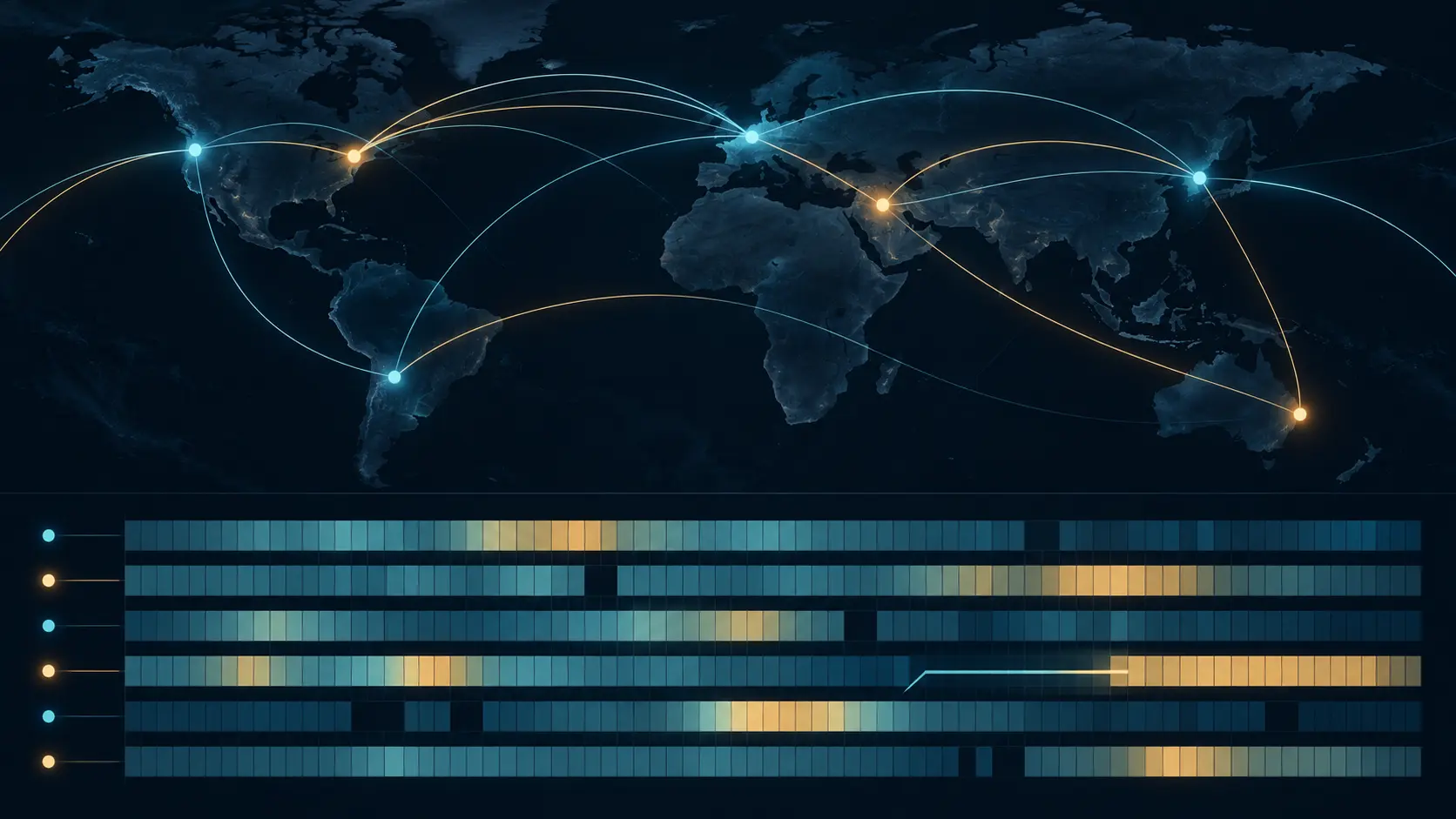
When delay rises, an operator first needs to locate the change in time and among the paths that moved. RIPE Atlas’s 20 October release adds a heatmap for that search, using measurements the platform already runs. In Anchor Mesh Status, colour marks added latency, gaps and warnings distinguish loss from missing samples, and each selected cell opens ping statistics and traceroute changes for that corridor.
The source of the data matters. Every Atlas anchor is already a target for built-in mesh pings and traceroutes from other anchors, over IPv4 and, where supported, IPv6. The new page reads that record; opening it does not schedule a measurement or create a new sensor. Users can select up to 20 corridors manually or by country pair, choose a period, and share a URL that reconstructs the same view.
That makes an operational question easier to ask: which measured corridors changed, and when? A time-aligned view can help an operator narrow the period for a reroute, loss episode or site problem before opening the underlying traces. RIPE Atlas describes cable cuts, power outages and large reroutes as situations the view may help reveal. Those are interpretations to investigate, not causes established by a coloured cell.
The chart’s reference point is deliberately local. For each corridor, it uses the lowest RTT bucket in the visible range as the baseline, then shows how many milliseconds each bucket sits above it. That is useful for spotting a change within the period. It is not an absolute comparison against a known healthy day. If the whole selected range is affected, the elevated latency can become its own baseline and the heatmap may look ordinary. The documentation advises including time before the event.
Operators should read the layers separately. Grey cells mean no samples were recorded; a red warning can mean packets were sent but none returned. Traceroute differences can show a changed path, while pings summarize delay and loss. None alone proves that a particular cable, facility or provider caused the change, or that end users saw the same effect. The view makes existing evidence easier to examine; it does not replace the evidence behind it.
Sources
Member Briefing
Deeper Profile Context
Sign in with the right membership level to unlock the full briefing and source notes.
Only for Strategic Circle
Strategic Circle
Open to all readers. Unlock profile briefings after joining and signing in.
Join Strategic CircleOnly for Leadership Alliance
Leadership Alliance
For qualified IP-asset owners and management; sign in to unlock alliance briefings.
Join Leadership Alliance