Summary
- AnalogX introduced ITR Client on 9 June 2004, combining an ITR performance reading with ping and traceroute tools that ran from the user's computer.
- Its surviving version 1.02 manual exposes test settings and numerical results; an earlier release note records a fix for failures in ping graphing.
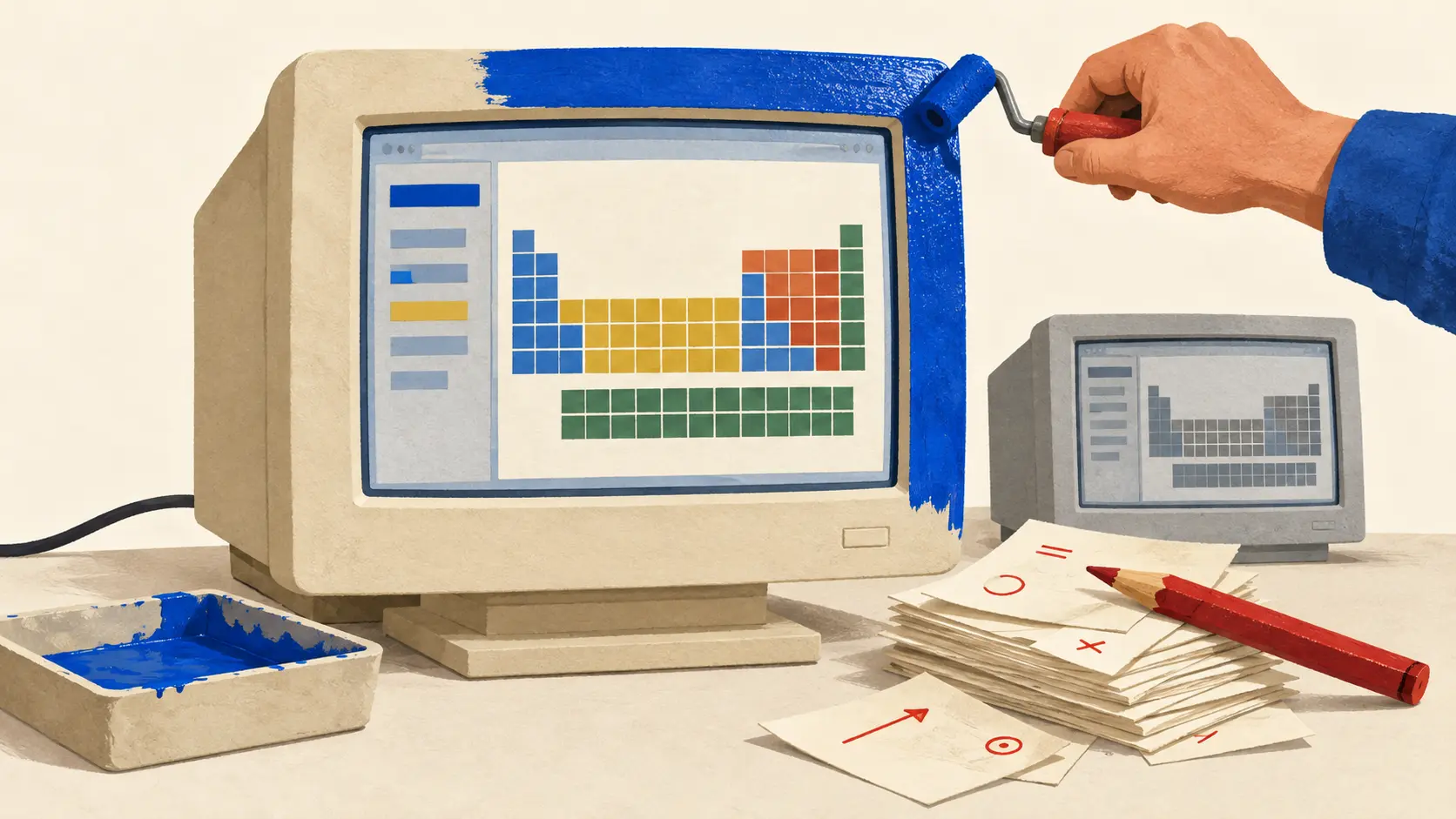
The Windows system tray had an ambitious new tenant in June 2004: the Internet. AnalogX ITR Client could sit beside the clock and display a performance reading from Internet Traffic Report. A user could choose the overall report or a tracked region. The clock had acquired a colleague with a rather larger patch to supervise.
The 9 June launch announcement explained the practical request behind this miniature command centre. People wanted to perform tests resembling ITR's on their own machines. Command-line tools were an awkward answer for many of them. AnalogX bundled ping and traceroute into a graphical application, with the ITR reading living in its tray icon.
That put two kinds of observation within easy reach. The report supplied a view from elsewhere on the network. The diagnostic tools let a user start looking from the computer where the frustration was happening. A customer wondering why a connection felt slow could now do something more specific than refresh a page and become cross with it.
The graph had a downstairs department
The surviving version 1.02 manual spends some enthusiasm on the display, then directs attention to the minimum, maximum and average beneath the visual ping graph. The picture attracted the eye; the numbers gave the observation a form someone else could discuss.
The same manual describes a traceroute utility for showing the computers encountered on the way to a destination. Configuration options include the maximum number of networks traversed, the number of pings, and whether computer names and cities are resolved. These controls let the person doing the test choose part of the experiment.
That choice matters when an observation travels. A graph separated from its destination, timing and settings makes a thin complaint attachment. Keep those details together and the next person has a chance to understand what was tried. An interface can make a technical tool accessible while still leaving its user with useful choices.
The dated 2004 announcement establishes the original combination of ping, traceroute and tray readings. The fuller list of controls belongs to the surviving 1.02 documentation. Software manuals accumulate history too.
A network meter needs its own mechanic
The product page's release history records a particularly apt repair. Version 1.01 fixed a problem with failures in ping graphing. Version 1.02 was rebuilt and addressed Vista issues. Those entries carry no individual release dates on the page.
The graphing fix deserves its small place in Internet history. A diagnostic application has to represent an unsuccessful measurement intelligibly. Otherwise the customer arrives at a second puzzle: is the network behaving badly, or is the instrument having an afternoon of its own?
The tray icon and the local tests also had different jobs. A regional reading can prompt someone to investigate. A test from a particular computer towards a particular destination gives that investigation a location. Put them on the same screen and their origins still matter. The ease of seeing a number can make it tempting to give that number more territory than its observations cover.
AnalogX's modest desktop utility brought that tension into view. Its attraction was immediate: a glance near the clock could replace another visit to a reporting website. Its more durable idea was to put local investigation alongside the report. The observer could move from watching a summary to asking a question from their own end of the connection.
The original pages supply no synchronised historical report readings, local traces and support records from which to measure time saved. They do show an attempt to reduce the entry cost of diagnosis. A user could reach familiar network tests through a graphical interface, adjust settings and inspect the output.
That changes the conversation a customer can attempt with a provider. “It feels slow” leaves almost everything to establish. An observation with a destination and some context gives the next person a narrower starting point. The grandly occupied tray icon drew attention; the useful work began when somebody clicked.
Member Briefing
Deeper Profile Context
Sign in with the right membership level to unlock the full briefing and source notes.
Only for Strategic Circle
Strategic Circle
Open to all readers. Unlock profile briefings after joining and signing in.
Join Strategic CircleOnly for Leadership Alliance
Leadership Alliance
For qualified IP-asset owners and management; sign in to unlock alliance briefings.
Join Leadership Alliance