
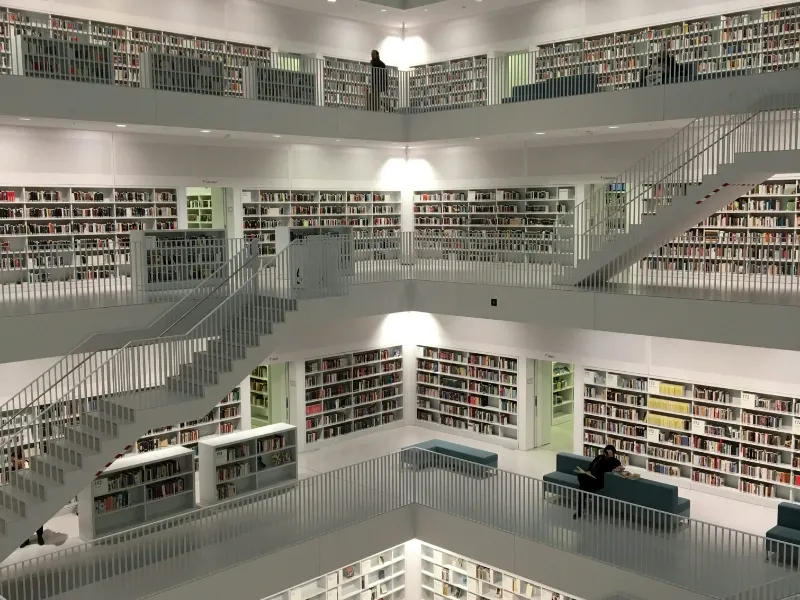
- The Internet Archive is more than just a library; it’s a vibrant community dedicated to preserving and sharing digital content.
- By understanding how to effectively navigate and utilise its resources, you can unlock a treasure trove of information and historical data.
- Whether for academic research, nostalgia, entertainment, or exploration, the Internet Archive offers endless opportunities for discovery.
The Internet Archive is a goldmine of information, hosting millions of free books, movies, software, music, and web pages. Whether you’re a researcher, historian, or just someone looking for old versions of websites, the Internet Archive can be a valuable resource. This guide will walk you through how to use the Internet Archive effectively, so you can make the most of this vast digital library.
Getting started with the Internet Archive
Visit the website
To start exploring the Internet Archive, navigate to archive.org. The homepage presents various collections and media types you can browse. You’ll find web pages, texts, video, audio, software, and images, each with dedicated sections.
Create an account
While you don’t need an account to access most content, creating one is free and allows you to upload content, borrow books from the lending library, and use features like bookmarking. Signing up is straightforward—just click on “Sign Up” at the top right corner of the homepage and follow the instructions.
Also read: Should we build an archive on the history of internet measurement?
Also read: Apple’s pursuit of news archives raises concerns over AI training
Exploring the collections
The Internet Archive offers a variety of tools and resources for digital exploration, each tailored to different interests. One of its most famous features is the Wayback Machine, which allows users to view historical snapshots of websites by entering a URL, selecting “Browse History,” and choosing a date from the calendar that appears.
For book lovers, the Archive’s vast collection of digitised texts is accessible through the “Books” section, where users can search for specific titles, browse by subject, or explore various collections, with options to read online, download in multiple formats, or borrow from the lending library.
Audio enthusiasts can delve into the “Audio” section to find recordings ranging from live concerts to audiobooks and old-time radio shows, all available for direct streaming or download.
Video buffs can visit the “Video” section to search or browse through movies, news broadcasts, and TV shows, watching directly in their browser or downloading in various formats.
Lastly, the “Software” section caters to a wealth of classic games and computer utilities, where users can browse collections or search for specific items and download them for use. Each section of the Internet Archive provides a unique gateway to a treasure trove of digital content, preserving the cultural and technological heritage of the Internet era.
Tips for effective use
Utilise advanced search: The Internet Archive offers advanced search functions that let you narrow down results by media type, year, language, and more, making it easier to find what you’re looking for.
Participate in forums: If you have questions or want to engage with the community, the Internet Archive forums are a great resource.
Contribute content: If you have digital content that you believe should be preserved, consider uploading it to the Internet Archive, thereby enriching this valuable resource.