
Summary
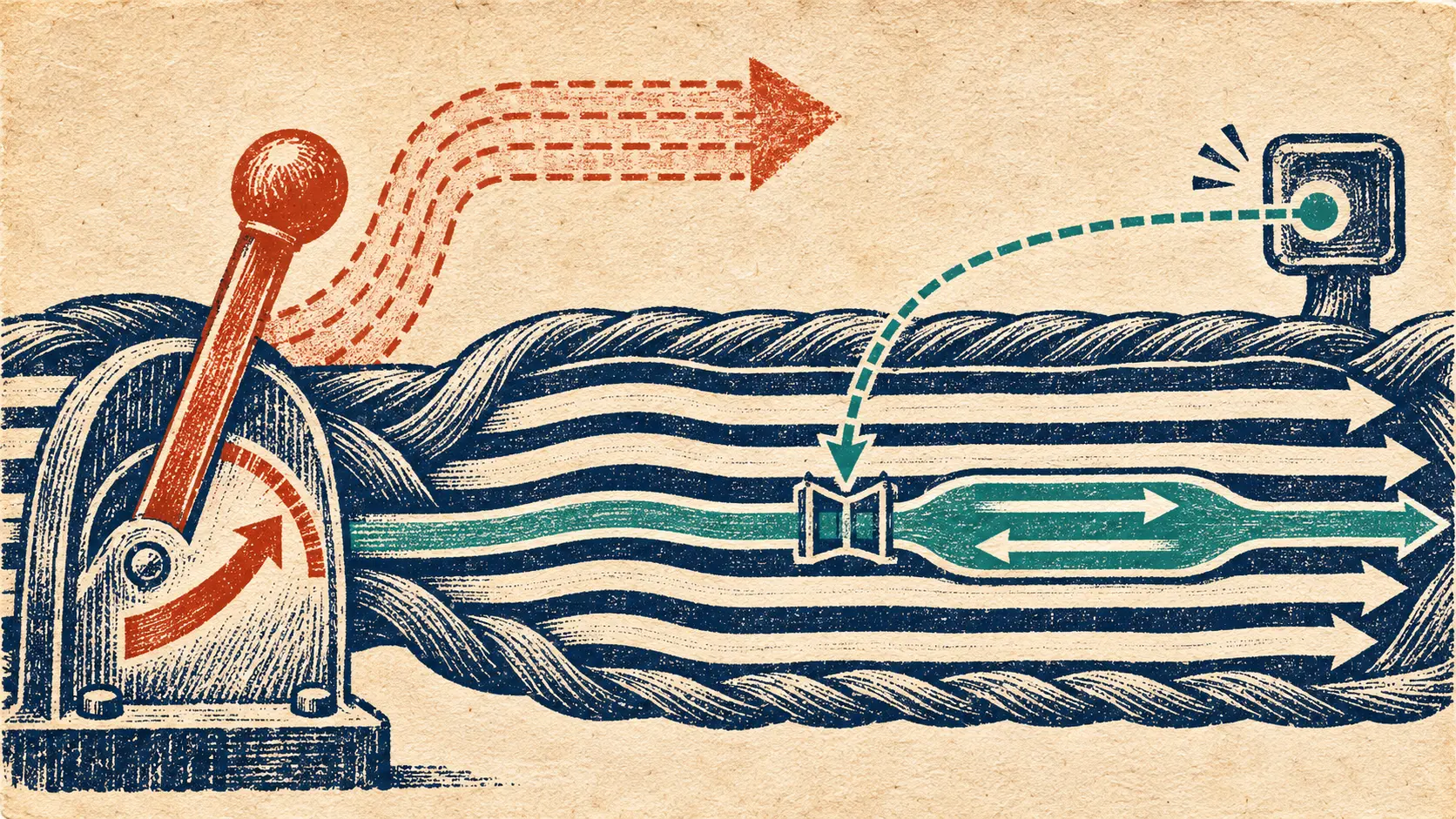
- HTML5 AppCache promised to keep a web application available without a network connection. A page pointed to a cache manifest, and the browser stored the resources it listed. The manifest, not a newly uploaded script or image, was the switch that told the browser to refresh that bundle.
- A failed download of the manifest or one listed resource could abort the entire update and leave the old application cache in use. Chrome began removing AppCache by default in 2020 and directed developers toward service workers. The old offline promise had turned a small text file into a release controller.
The repaired script stayed outside
A developer fixes a broken JavaScript file on the server. The next visitor opens the web application and sees the old behavior. That sounds like a deployment failure until the missing step appears: the page uses AppCache, and the cache manifest has not changed. Google's application-cache guide explained the rule directly. Editing a script or image that was already listed did not, by itself, cause the browser to re-cache that file. The manifest had to change.
This was an unusually sharp bargain for offline access. Once a browser held an application bundle, a normal update to one member of the bundle was insufficient. The developer had to touch the list that described the bundle. A comment line with a new version marker could serve the purpose. The little file had become the release switch; the repaired code on the server was waiting outside the door.
How the web learned to keep a room ready
The W3C's May 2008 note on offline web applications described the original attraction. A user away from the network should still be able to open an application, not just hope that a general HTTP cache happened to retain the right pieces. HTML gained a manifest attribute on the root element. The linked text/cache-manifest file named resources for the browser to keep. A NETWORK: section could name requests that still had to go to the network. The design gave a web developer a declarative list rather than an improvised collection of browser-cache accidents.
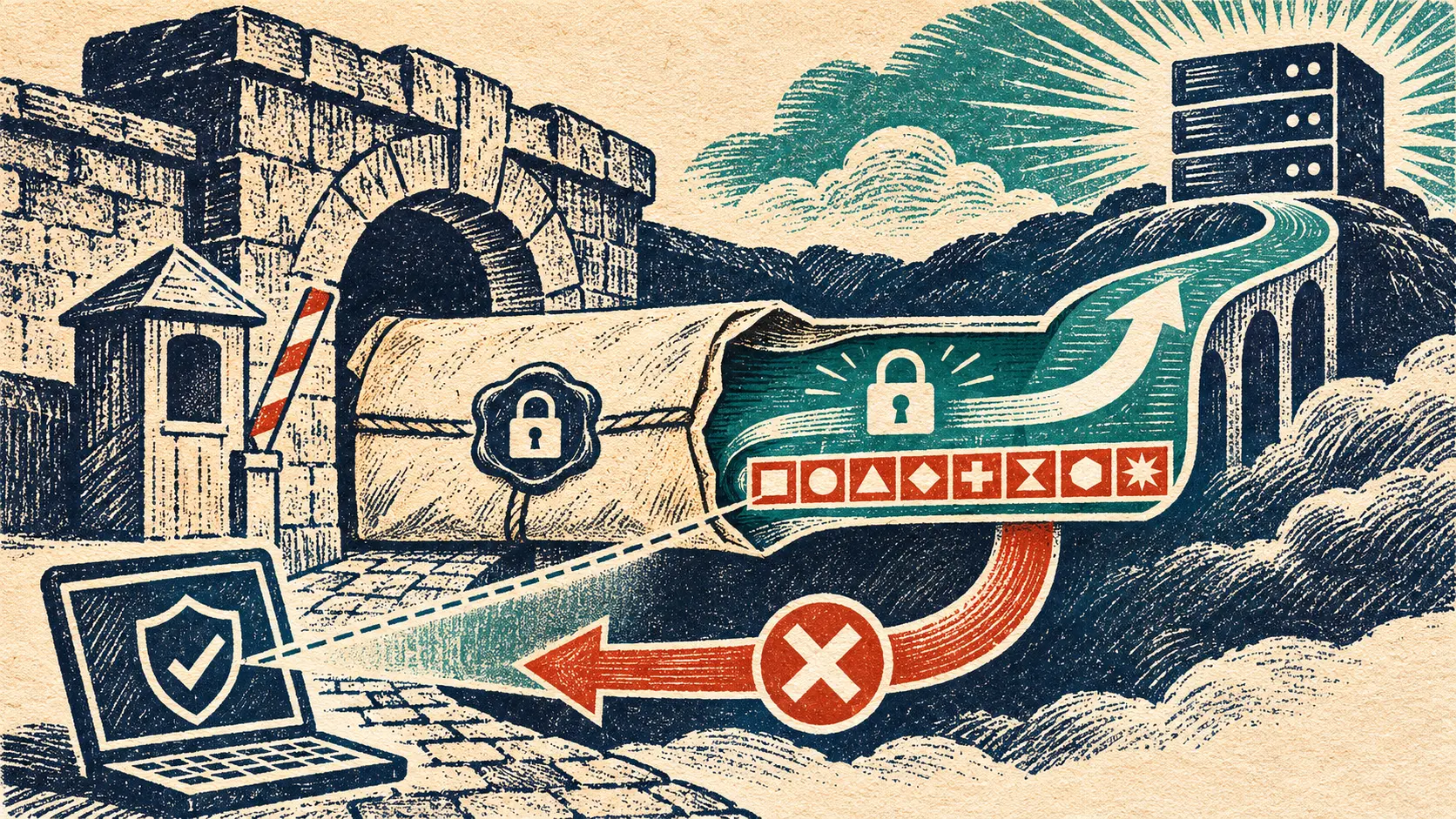
The price of that certainty was an extra state machine. The browser could have a complete old cache, fetch a proposed new one, compare the manifest again and switch only when the package was ready. The Google guide noted that if the manifest or a listed resource failed to download, the entire update failed and the old cache stayed in use. A page that loaded from an existing cache would not immediately start using the new files merely because a new cache had finished downloading; a refresh was needed.
That behavior protected an application from a half-installed bundle. It also made a forgotten manifest edit visible to users for far longer than a normal web deploy. If the developer changed main.js and left the manifest untouched, the browser had no reason under this mechanism to fetch the new script for the application cache. If the developer did change the manifest but one required file was missing, the browser could keep serving the old app. The distinction between “the server has the fix” and “the reader has the fix” was now an operating condition.
The checklist could fail in two directions
A manifest was a checklist, but it was also a transaction boundary. The same Google guide warned against using a constantly changing timestamp as a crude update lever. The manifest could be checked at the start and again after the resources downloaded. If it changed during that span, the browser might have collected files from different revisions; it would decline to apply the mix and try later. A file that never changed could strand a fix. A file that changed too eagerly could keep invalidating the attempt to deliver one.
The CACHE, NETWORK and FALLBACK sections made the list useful but raised the stakes of getting it right. Some assets were pinned for offline use, some requests were meant to reach the network, and some paths had fallback responses. That is application policy written as a small text document. The browser executed the policy; the developer owned the list and the release timing. A typo or missing resource was not just a bad link in a page. It could stop an entire new offline bundle from taking effect.
This is why the old AppCache story is more than “offline web apps were difficult.” The mechanism gave offline continuity priority over partial freshness. The browser would rather keep the complete previous application than replace it with a broken assortment. Whether that was a blessing or a trap depended on how carefully the team treated the manifest and whether users were told a new version was ready.
Chrome closed the old release door
In 2020, Chrome's AppCache removal guidance set out a staged retirement. Chrome 85 disabled AppCache by default, with an origin-trial extension for sites that needed more time. The guidance presented service workers as the alternative for offline behavior. It also gave a migration rule with teeth: when a service worker controlled a page in Chrome, AppCache no longer operated on that page. A developer could not add half a new caching design and count on AppCache to cover the forgotten half.
The timeline did not make every old app disappear on one date across every browser. It did turn a once-promoted HTML5 feature into an explicit migration project for Chrome users. Moving to a service worker meant deciding anew how requests were intercepted, which files were cached and how an update reached an already open page. Google's guide said its migration polyfill replicated some AppCache behavior, but not the window.applicationCache interface and events. The replacement was another operating design, not a different spelling for the manifest.
The small file at the center of AppCache had held two promises in tension. It could tell a browser exactly what to preserve when the network vanished. It could also withhold a repaired app when the developer forgot to revise the list, or when one listed resource failed to arrive. The page lived offline. The fix waited online. The manifest decided when they met.
Member Briefing
Deeper Profile Context
Sign in with the right membership level to unlock the full briefing and source notes.
Only for Strategic Circle
Strategic Circle
Open to all readers. Unlock profile briefings after joining and signing in.
Join Strategic CircleOnly for Leadership Alliance
Leadership Alliance
For qualified IP-asset owners and management; sign in to unlock alliance briefings.
Join Leadership Alliance