
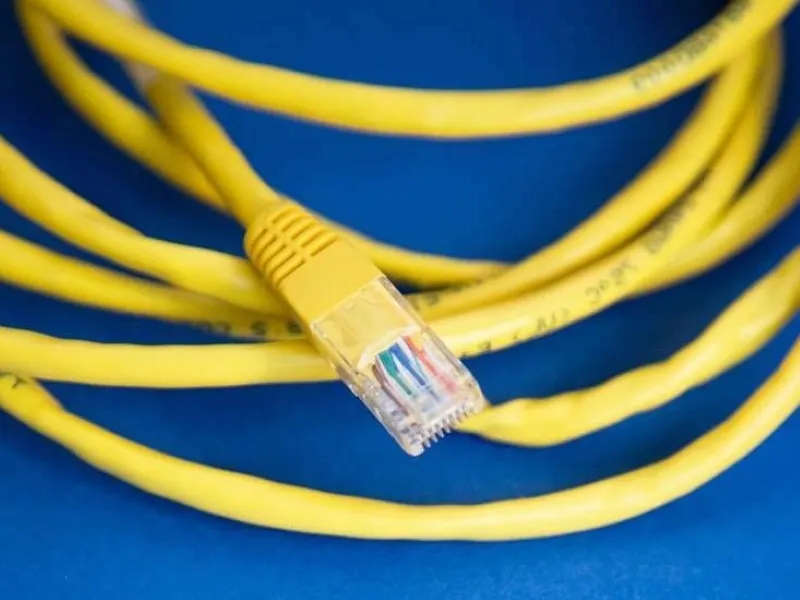
- When a network cable is faulty, it can cause data packets to be lost or corrupted, resulting in a weaker or intermittent connection.
- A bad network cable can cause a range of connectivity issues, from intermittent disconnections to poor signal quality and slow speeds.
In today’s connected world, a reliable network connection is crucial for both work and leisure. However, network problems can arise for various reasons, and one common culprit is a bad network cable. In this blog, we’ll explore the common signs of a bad network cable and provide some practical tips for identifying and resolving the issue.
5 common symptoms of a bad network cable
1. Frequent disconnections: One of the most noticeable signs of a bad network cable is frequent disconnections. If you find that your connection drops unexpectedly and reconnects intermittently, it could indicate a problem with the cable. This issue can be particularly frustrating during important online meetings or while streaming content.
2. Slow network speeds: If your network performance is slower than usual, a faulty cable might be to blame. You might experience delays in loading web pages, slow downloads, or buffering during video streams. A bad cable can hinder the transmission of data, resulting in reduced speeds and poor performance.
3. Poor signal quality: A bad network cable can lead to poor signal quality, which often manifests as increased interference or noise in the network. This can cause issues like lagging connections, erratic behavior of online applications, or problems with network stability.
4. Inconsistent network access: Another symptom of a problematic cable is inconsistent network access. Devices connected via a faulty cable may struggle to access network resources or the internet, leading to disruptions in productivity and online activities.
5. Error messages: Error messages related to network connectivity can also indicate a bad cable. These messages may appear on your computer or other connected devices, signaling that there’s a problem with the network connection. Common error messages might include issues with network interfaces or connectivity problems.
Also read: DHCP unveiled: The hidden key to effortless network connectivity
Also read: SASE explained: Redefining network security and connectivity
How to troubleshoot a bad network cable
- Inspect the cable: Start by visually inspecting the network cable for any visible signs of damage. Look for frayed ends, kinks, or bent connectors. Even minor damage can affect the cable’s performance, so replace any damaged cables.
- Test with a known good cable: To determine if the cable is the issue, replace it with a known good cable. If the network issues are resolved with the new cable, it’s likely that the original cable was faulty. This method is one of the simplest ways to diagnose cable problems.
- Check connections: Ensure that the cable is properly connected at both ends. Loose or improperly connected cables can cause connectivity issues. Firmly reconnect the cable to the network ports and verify that it’s securely in place.
- Test different ports: Sometimes the problem might not be the cable but the network port. Try connecting the cable to a different port on your router or switch to see if the issue persists. If changing ports resolves the problem, the original port might be faulty.
- Run network diagnostics: Most operating systems offer built-in network diagnostic tools that can help identify connectivity issues. Use these tools to check for any problems with your network setup. They may provide insights or suggest fixes for common issues.